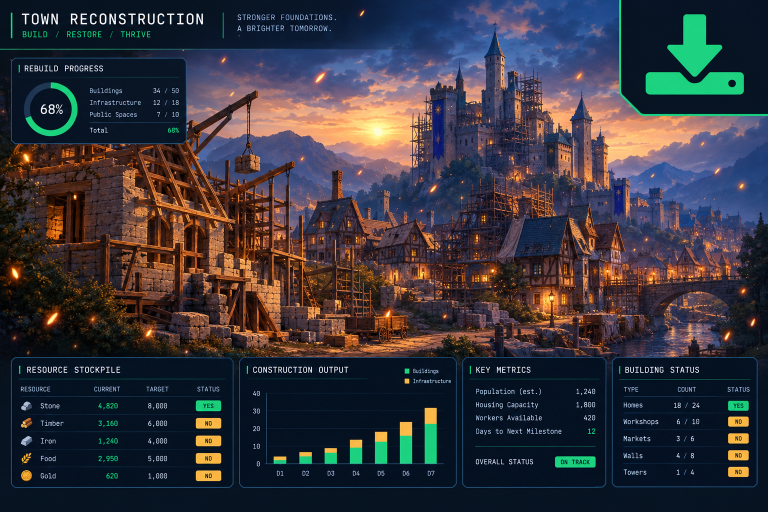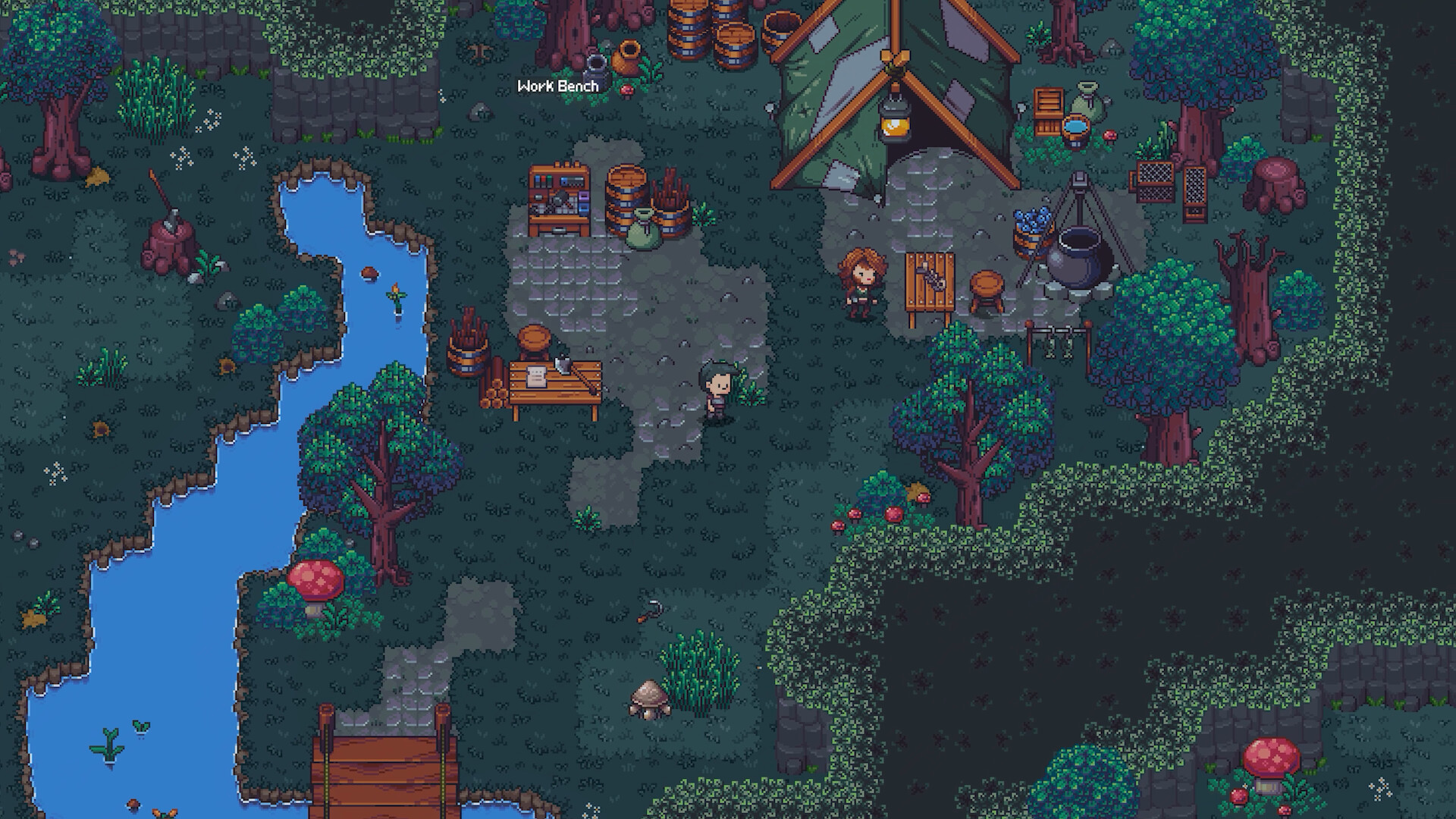
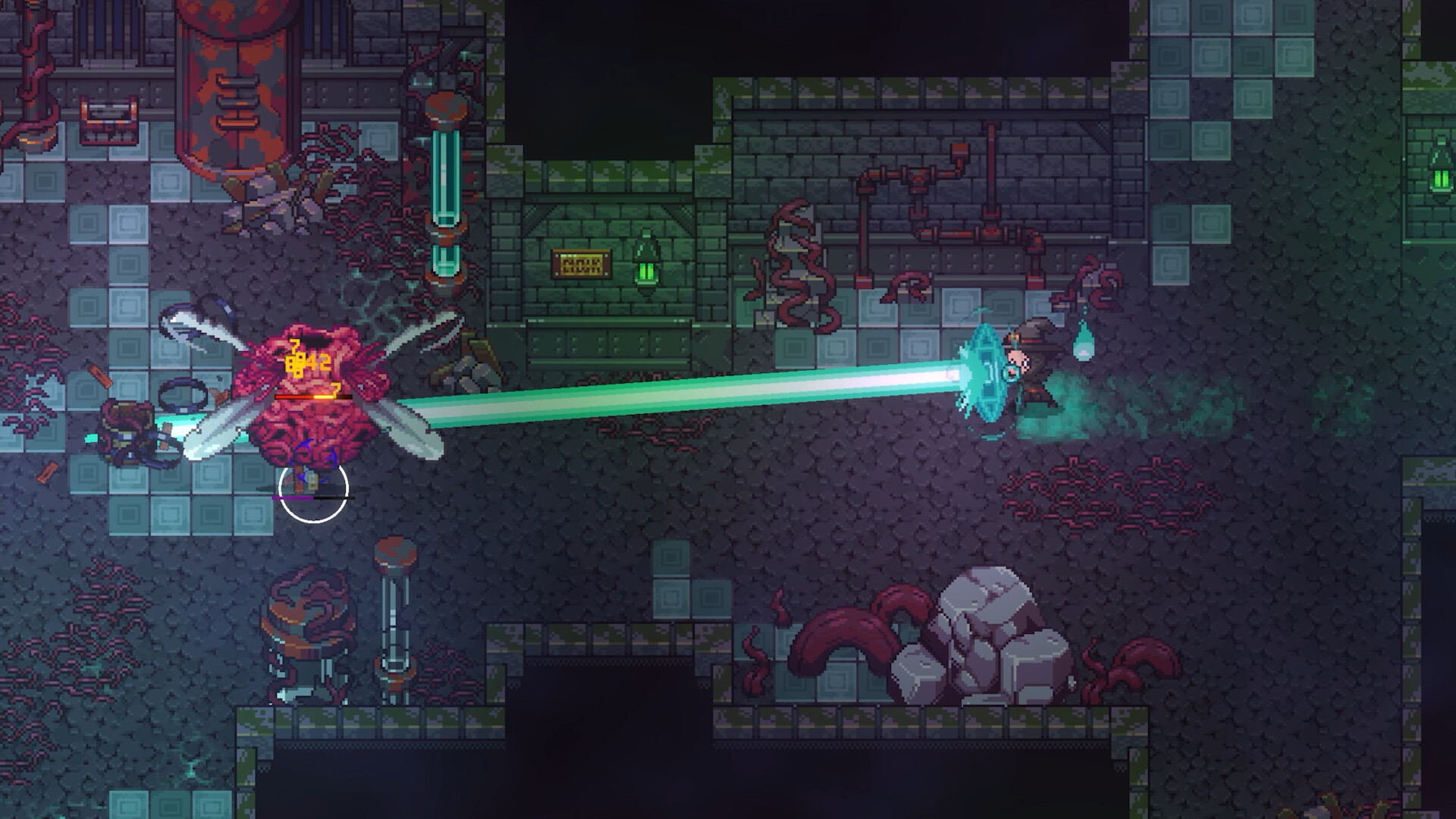
Emberville screenshot
Last checked:
Emberville’s official minimum PC specs have been published on the Steam page (Intel Core i5 3.2 GHz, 4 GB RAM, DirectX 10 compatible video card, 4 GB storage, Windows 10 64-bit), but recommended specs have not been published yet. What is confirmed is a PC release on 27 October 2026, with Windows and Linux listed as platforms. This page tracks what is announced, what is still missing, and how to prepare your PC before the numbers arrive.
What is confirmed about Emberville on PC right now
The confirmed facts are limited. Here is each data point and its status, so you can see what is settled and what will be filled in closer to launch.
| Data point | Status | Detail |
|---|---|---|
| Release date | Confirmed | 27 October 2026 |
| Platforms | Confirmed | PC: Windows and Linux |
| Minimum specs | Confirmed | Intel Core i5 3.2 GHz, 4 GB RAM, DirectX 10 GPU |
| Recommended specs | Not announced | No CPU, GPU or RAM listed |
| Storage size | Confirmed | 4 GB minimum |
| SSD required | Not confirmed | No storage type stated |
| Steam Deck rating | Not confirmed | No Valve compatibility badge yet |
| Price | Not announced | No base price or editions listed |
| Launch type | Not confirmed | Early access or full release not stated |
| Unlock time | Not announced | No global launch time yet |
| Console versions | Not announced | Only PC is listed |
Some pages already show full spec sheets for Emberville. Treat those numbers as placeholders unless the developer has posted them on an official channel. No official recommended configuration had appeared when this page was last checked. The official Steam store page lists an Intel Core i5 3.2 GHz or equivalent as the minimum processor and a DirectX 10 compatible video card as the minimum GPU, and these are official figures, not guesses.
Emberville minimum and recommended PC specs
The table below is the structure the official sheet will most likely follow, since Steam store pages use the same fields for every game. Each cell will be updated once the developer publishes the real values.
| Component | Minimum | Recommended |
|---|---|---|
| OS | Windows 10 64-bit (Linux versions not announced) | Windows / Linux (versions not announced) |
| Processor | Intel Core i5 3.2 GHz or equivalent | Not announced |
| Memory (RAM) | 4 GB | Not announced |
| Graphics card | DirectX 10 compatible | Not announced |
| VRAM | Not announced | Not announced |
| DirectX / Vulkan | DirectX 10 | Not announced |
| Storage | 4 GB | Not announced |
| SSD | Not confirmed | Not confirmed |
| Notes | None published | None published |
Why the specs are not out yet
Studios often finalise PC requirements late. Optimisation work continues until the final months, and a minimum spec published too early can be wrong by launch. Many games only post a full sheet a few weeks before release, sometimes alongside preloads.
For comparison, our KCD 2 system requirements and Borderlands 4 PC pages show how full sheets usually look once a publisher commits. They typically name a specific Intel and AMD processor, an Nvidia and AMD graphics card at each tier, a RAM figure, and a storage size. You should expect Emberville’s sheet to follow that format, with Intel and AMD equivalents listed side by side.
What the game type tells you, and what it does not
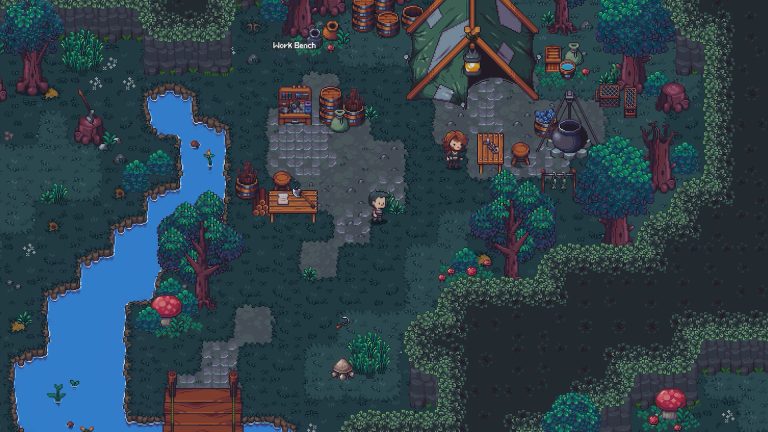
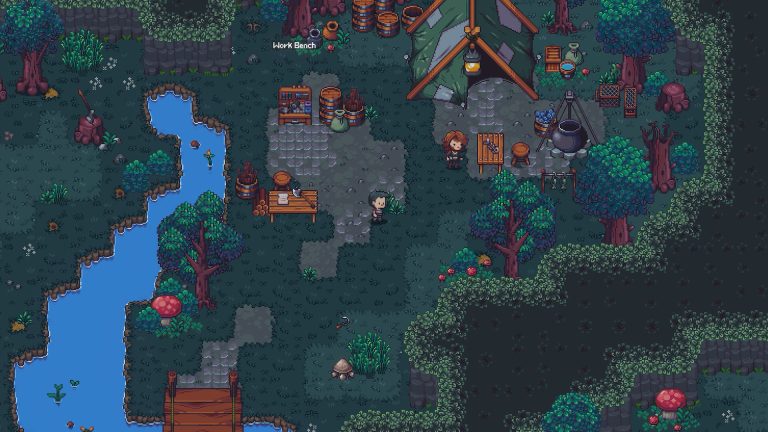
According to its store description, Emberville combines action combat with town building. You rebuild the town of Emberville, venture into an “eternal prison” area, develop your own fighting style, customise and improve your character, and build your own estate. Crafting and base-building systems usually lean on the processor and memory more than pure combat scenes do, especially once a town fills up with objects.
That is general context, not a prediction. Genre alone cannot tell you whether Emberville will ask for 8 GB or 16 GB of RAM, or which graphics card tier it targets. Wait for the official list before you buy hardware specifically for this game.
Windows vs Linux vs Steam Deck: which way should you play?
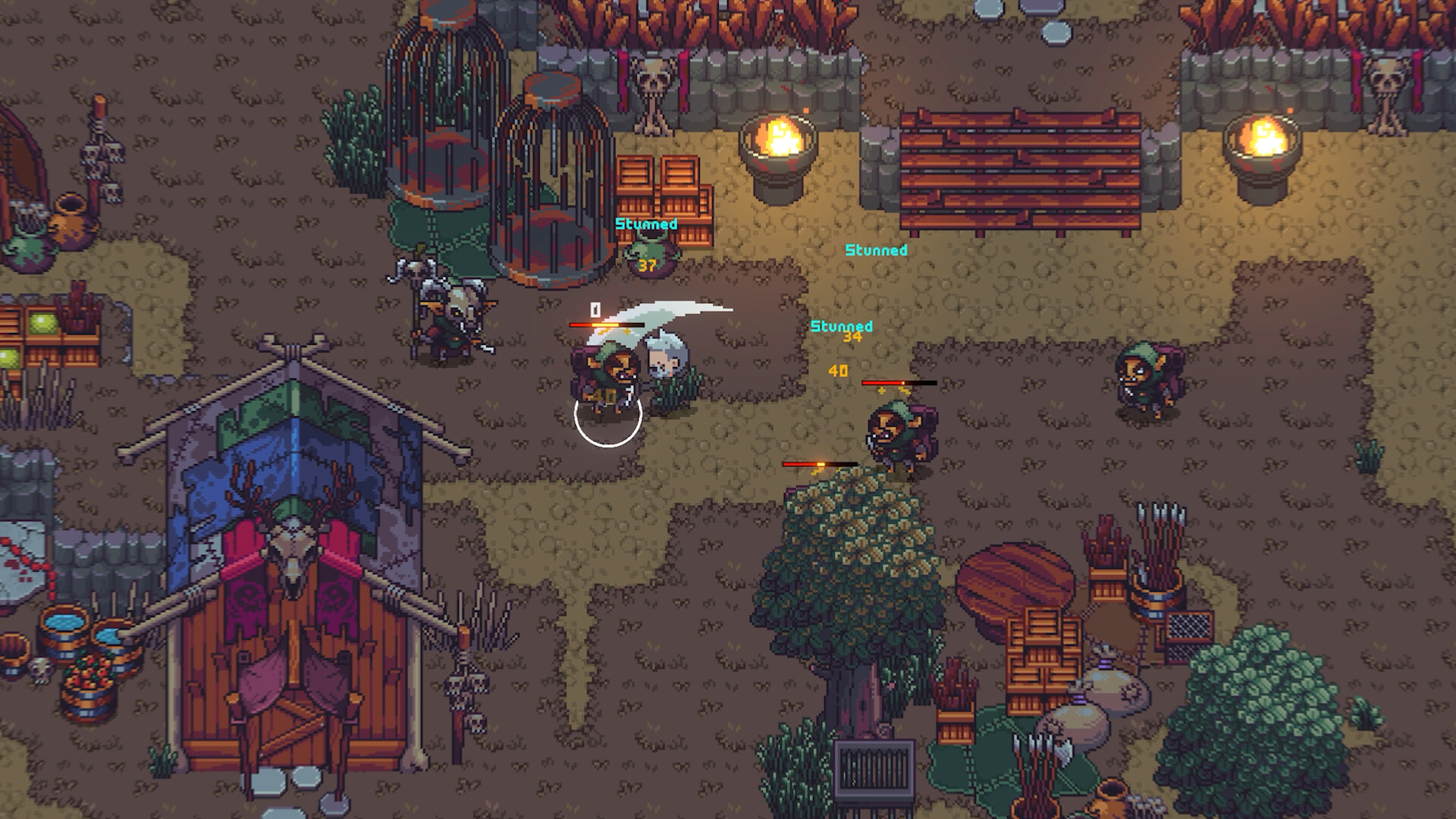
This is the real choice you can make today. Emberville lists both Windows and Linux, and the Steam Deck runs Linux-based SteamOS. Each option has trade-offs, and the table below sets them side by side.
| Option | Official support | Spec certainty | Controller support | Best for |
|---|---|---|---|---|
| Windows desktop/laptop | Listed | Minimum published | Full support listed | Most players |
| Linux desktop | Listed | Waiting on sheet | Full support listed | Linux users |
| Steam Deck | Not confirmed | No Valve rating | Full support listed | Handheld play |
| Mac | Not listed | N/A | N/A | Not supported |
| PS5 / Xbox Series X | S | Not announced | N/A | N/A |
Windows PC
Windows is the default target for nearly every PC game, and it is where you can expect the most testing and the quickest patches.
Pros
– Listed as a supported platform
– Most driver support from Nvidia, AMD and Intel
– Widest range of hardware covered by any spec sheet
– Most community troubleshooting will focus on Windows
Cons
– You can only check your hardware against the official minimum numbers so far
– Older Windows versions may fall outside the supported OS list, which names Windows 10 64-bit as the minimum
Linux desktop
Linux being on the platform list matters. It means the developer is shipping for Linux directly, as opposed to leaving you to rely on a compatibility layer. The exact implementation (native build or Proton-tested Windows build) has not been detailed.
Pros
– Listed as a supported platform
– Official support usually means bug reports from Linux users get taken seriously
– No Windows licence needed
Cons
– Supported distributions and driver versions are not announced
– Performance relative to Windows is unknown until launch
– Anti-cheat or launcher details, if any, have not been confirmed
Steam Deck
The Deck is the one people ask about most, and the honest answer is that its status is unknown. Valve assigns ratings (Verified, Playable, Unsupported) after testing a game. No rating for Emberville has appeared yet.
Pros
– A Linux release is a good sign for SteamOS compatibility
– Handheld play suits session-based town building and combat loops
Cons
– No Verified or Playable badge yet
– Meeting the published minimum spec does not guarantee a Verified or Playable rating
– Text size and controller layout have not been tested by Valve
Mac and consoles
Mac is not on the platform list, so there is no official macOS build. If you play on a Mac, the situation resembles what we cover in Paladins on Mac: without a native build you are relying on workarounds the developer does not support. No PlayStation or Xbox version has been announced either, so specs for “PC, PS and Xbox” on some sites refer only to PC.
Which should you choose?
If you already own a gaming PC running Windows, that is the safest route. It is listed, it will get the most attention, and it is where the official sheet will be most detailed. If your main machine runs Linux, you are also covered on paper, which is better than most games offer. Hold off on planning a Steam Deck-only playthrough until Valve publishes a rating, and do not buy a Deck specifically for Emberville until then.
Storage: how much space will Emberville need?
The official Steam page lists 4 GB of available storage as the minimum requirement. No SSD requirement is stated in the minimum spec, and nothing confirms whether an SSD is recommended.
That leaves two practical steps:
- Check your free space now and know which drive you would install to.
- Keep an SSD slot or partition free if you can, because many recent releases list an SSD as required.
If you are juggling large installs, our guide to Fortnite PC storage requirements shows how live games grow after launch through patches. Plan for Emberville’s install to get bigger after launch too, especially if it receives content updates.
Good to know
Steam needs extra free space beyond the listed install size while it unpacks and patches. Keep roughly 10 to 20 percent of the drive free so updates do not fail at launch.
How to check your PC before the specs drop
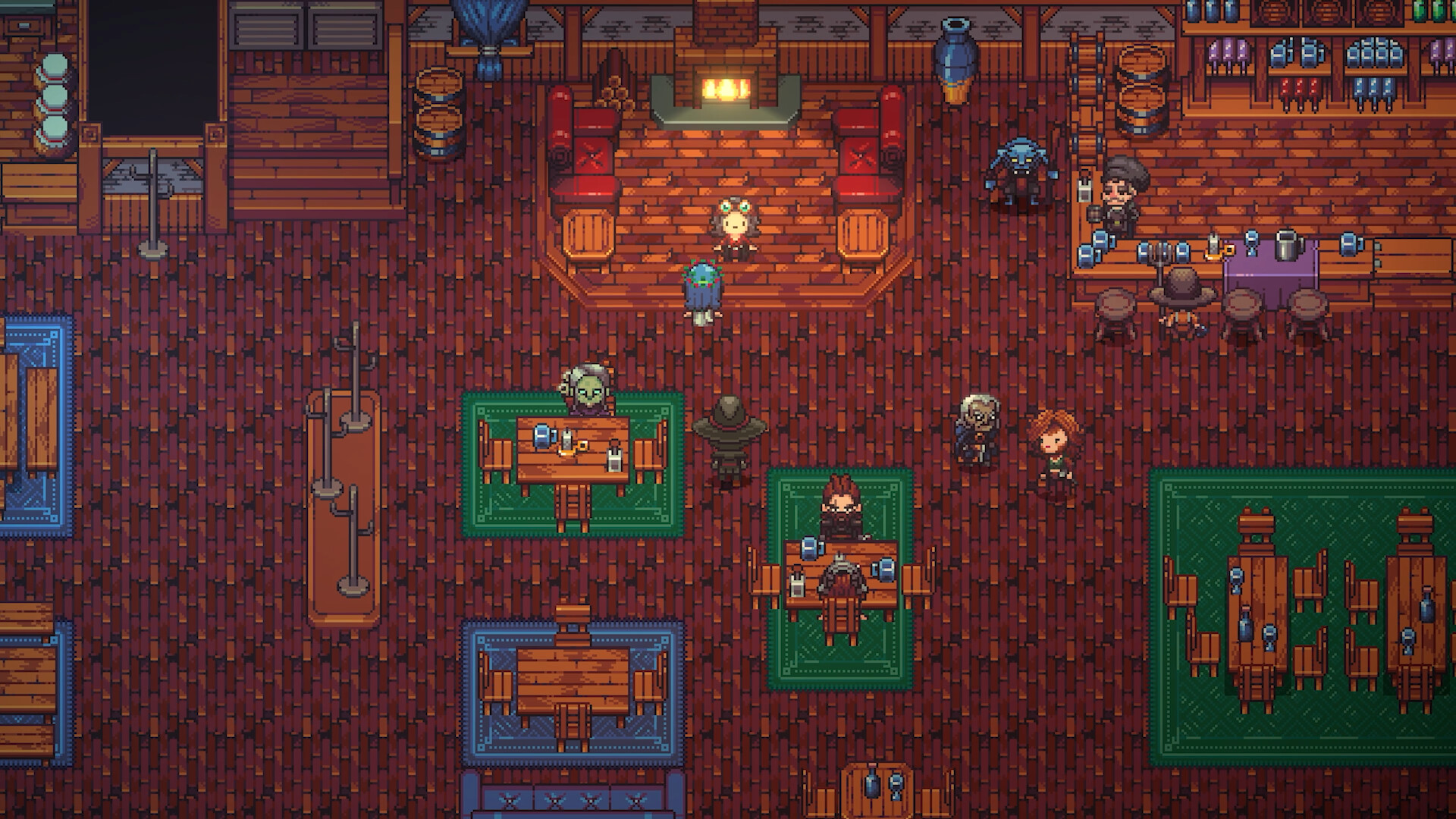
You can collect your own numbers now, so the comparison takes seconds once the official list goes live.
How to check your PC specs
- On Windows, press Win + R, type dxdiag and press Enter.
- Note your processor and memory on the System tab.
- Open the Display tab and note your graphics card and VRAM.
- Open File Explorer and check free space on your install drive.
- On Linux, run lscpu, free -h and lspci in a terminal.
- Write the results down for comparison at launch.
When the sheet arrives, compare each component one at a time. Your processor, graphics card and RAM should all meet at least the minimum column. Falling short on any single one is usually what causes stutter, not the overall age of the machine.
Emberville release date and launch time
The date is set. The exact unlock hour is not.
| Region | Release date | Launch time |
|---|---|---|
| Worldwide (PC) | 27 October 2026 | Not announced |
| PT / ET (Americas) | 27 October 2026 | Not announced |
| BST / CEST (Europe) | 27 October 2026 | Not announced |
| JST / AEDT (Asia-Pacific) | 27 October 2026 | Not announced |
Steam games often unlock at a single global moment, which can mean an evening release on 26 October in the Americas. Since no time has been confirmed, do not plan around that yet. Our Emberville release time page will list the exact hour in every major time zone once it is announced.
Emberville price and editions
No price has been announced. Steam has not listed a base price, and no standard or deluxe edition breakdown exists yet.
| Edition | Price | Contents |
|---|---|---|
| Standard | Not announced | Not announced |
| Deluxe / other | Not announced | Not announced |
| Pre-order bonus | Not announced | Not announced |
It is also not confirmed whether Emberville launches as a full release or in early access. That distinction affects pricing (early access games often launch cheaper) and how much the requirements may change after launch. Treat any price quoted by third-party key sites as unofficial.
Region compatibility and supported languages
Region locks and the supported language list are not confirmed on official channels. Steam store pages usually list interface, full audio and subtitle languages in a dedicated table, and that section will be added here once it is populated. If you rely on a language other than English, check that table before pre-ordering.
What to expect when the official specs land
Based on how other games handle it, these are the things to look for once the developer posts the sheet:
- Named Intel and AMD processor equivalents at each tier, plus the core count they imply
- Nvidia, AMD and possibly Intel Arc graphics cards for minimum and recommended
- A target resolution and frame rate for each tier, if the developer adds it
- Upscaling support such as DLSS, FSR or XeSS, which changes what a mid-range card can manage
- A storage figure and SSD status
- Linux-specific notes, such as supported distributions or Vulkan requirements
A spec sheet without resolution and frame rate targets is less useful. “Recommended” can mean 1080p at 60 fps for one studio and 1440p at 60 fps for another. Our MW4 system requirements and “final fantasy resonance specs” pages show the difference between tiered sheets with stated targets and bare two-column lists.
Latest Emberville PC news
The most recent confirmed update is the release date of 27 October 2026 for PC on Windows and Linux. No patch notes, benchmarks, preload dates or technical blog posts have been published. This page will be refreshed as the developer confirms:
- Recommended specs
- Final storage size
- Steam Deck rating
- Price and editions
- Global unlock time
FAQ
What are the Emberville system requirements?
Minimum requirements are published, but recommended requirements have not been announced. The developer confirmed a PC release on Windows and Linux on 27 October 2026, and the official Steam page lists an Intel Core i5 3.2 GHz, 4 GB RAM, a DirectX 10 compatible video card, 4 GB storage and Windows 10 64-bit as the minimum. Any recommended spec list circulating now is unofficial.
Can my PC run Emberville?
You can check against the official minimum specs now, but recommended specs are not out yet. Record your processor, graphics card, VRAM, RAM and free storage now using dxdiag on Windows or terminal commands on Linux. Compare them to the official sheet as soon as it is posted.
Is Emberville Steam Deck Verified?
Not confirmed. Valve has not assigned Emberville a Verified, Playable or Unsupported rating. Official Linux support is a promising sign, but it does not guarantee a Verified badge.
Does Emberville run on Linux?
Yes. Linux is listed alongside Windows as a supported platform. Supported distributions, driver versions and any Linux-specific requirements have not been detailed yet.
Is Emberville coming to PS5 or Xbox?
No console versions have been announced. The only confirmed platform is PC, on Windows and Linux.
How big is the Emberville download?
The official minimum spec lists 4 GB of storage, and it is not confirmed whether an SSD will be required. Keep spare space on a fast drive so you are ready when preloads open.
Does Emberville support controllers?
Yes. Controller support is listed on the Steam store page for Emberville, with full controller support including DualShock, DualSense and Steam Input. Only Valve’s Steam Deck compatibility rating has not been published yet.
When will the Emberville specs be released?
No date has been given for the recommended specs. PC requirements commonly appear in the final weeks or months before launch, and this page will be updated the day they are posted.
About the Author