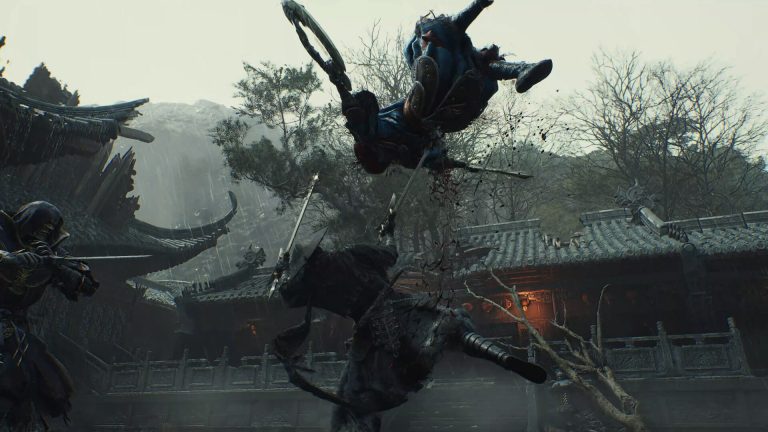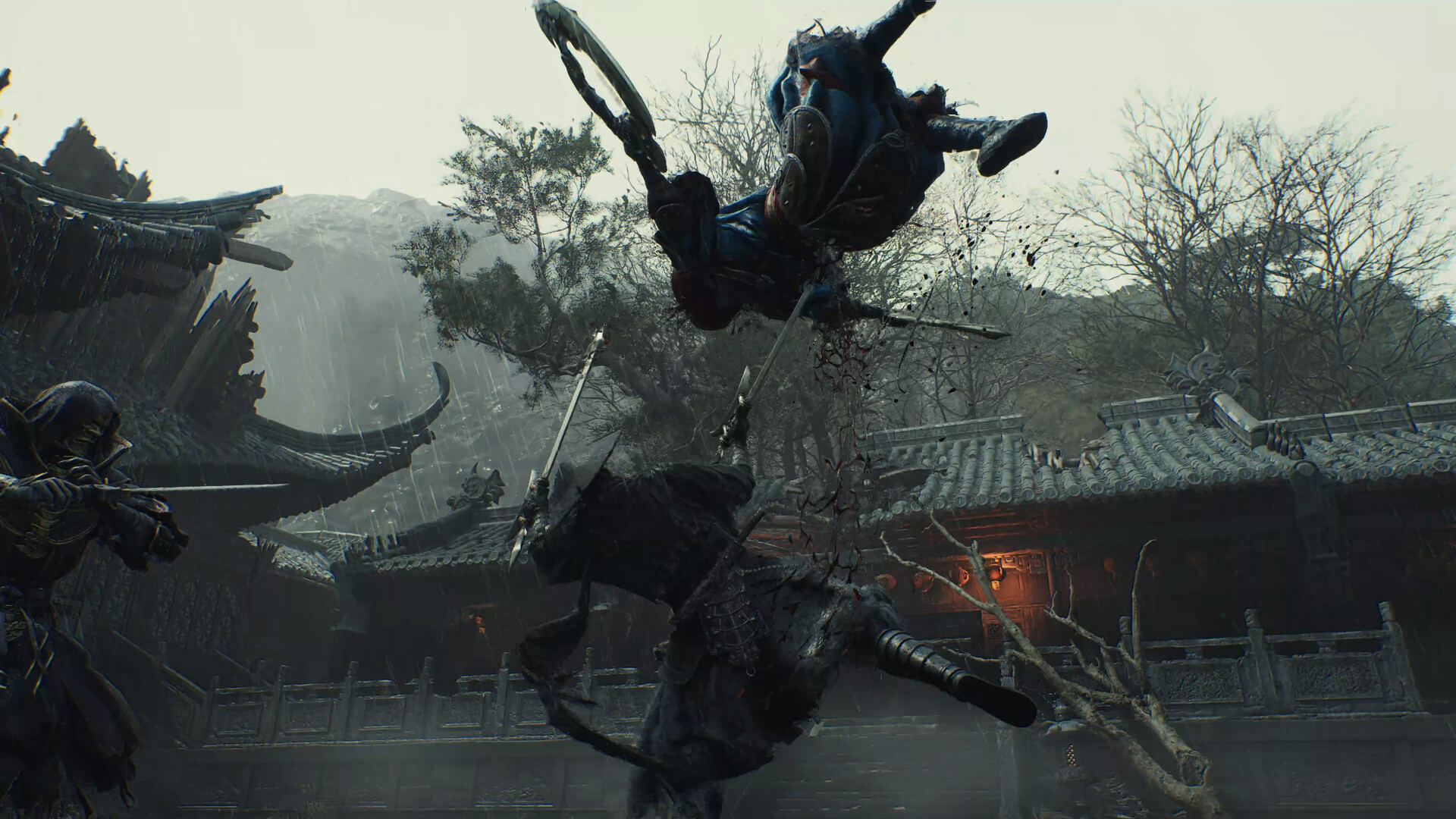
Phantom Blade Zero screenshot
Last checked:
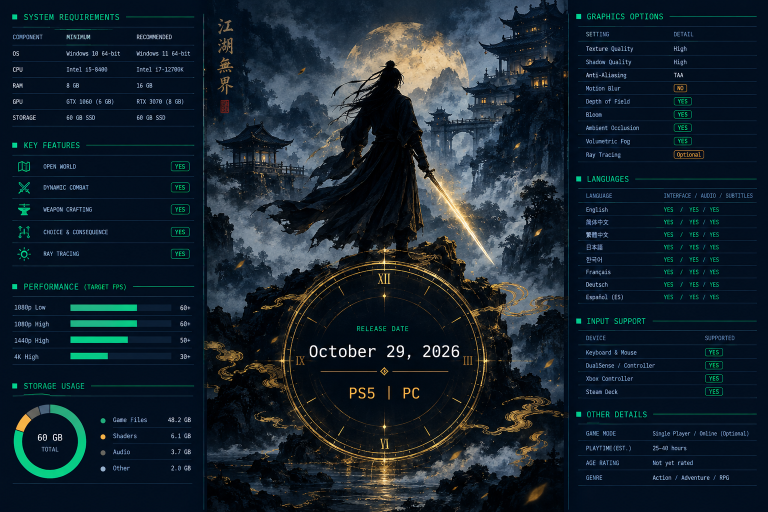
Phantom Blade Zero’s published PC requirements start at an NVIDIA GeForce GTX 1660 and ask for 16 GB of RAM at both the minimum and recommended tiers. Storage size and Steam Deck status had not been confirmed when we last checked. Below is what S-GAME has confirmed for the Windows version ahead of the October 28, 2026 launch, and what is still open.
Phantom Blade Zero game details
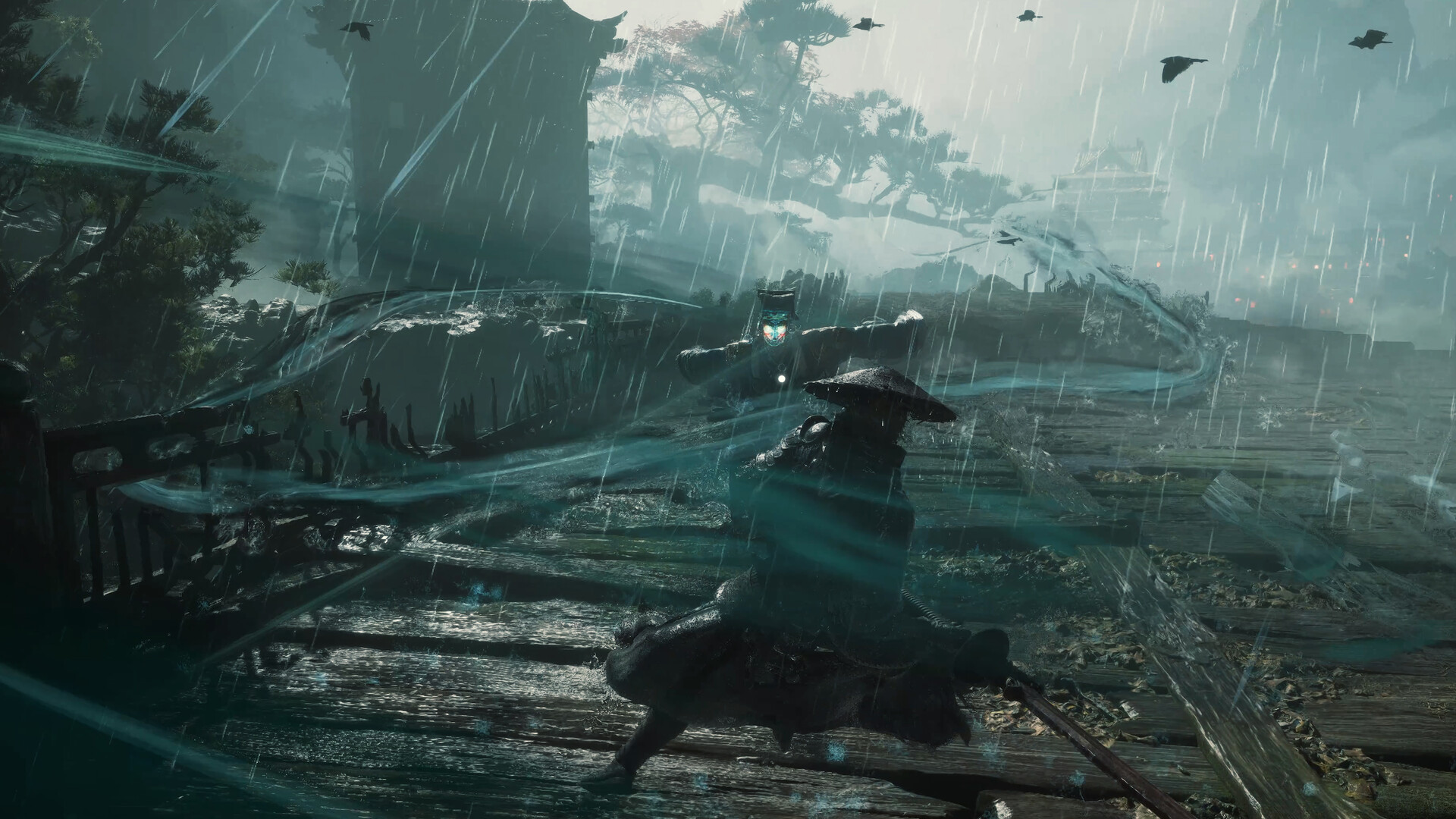
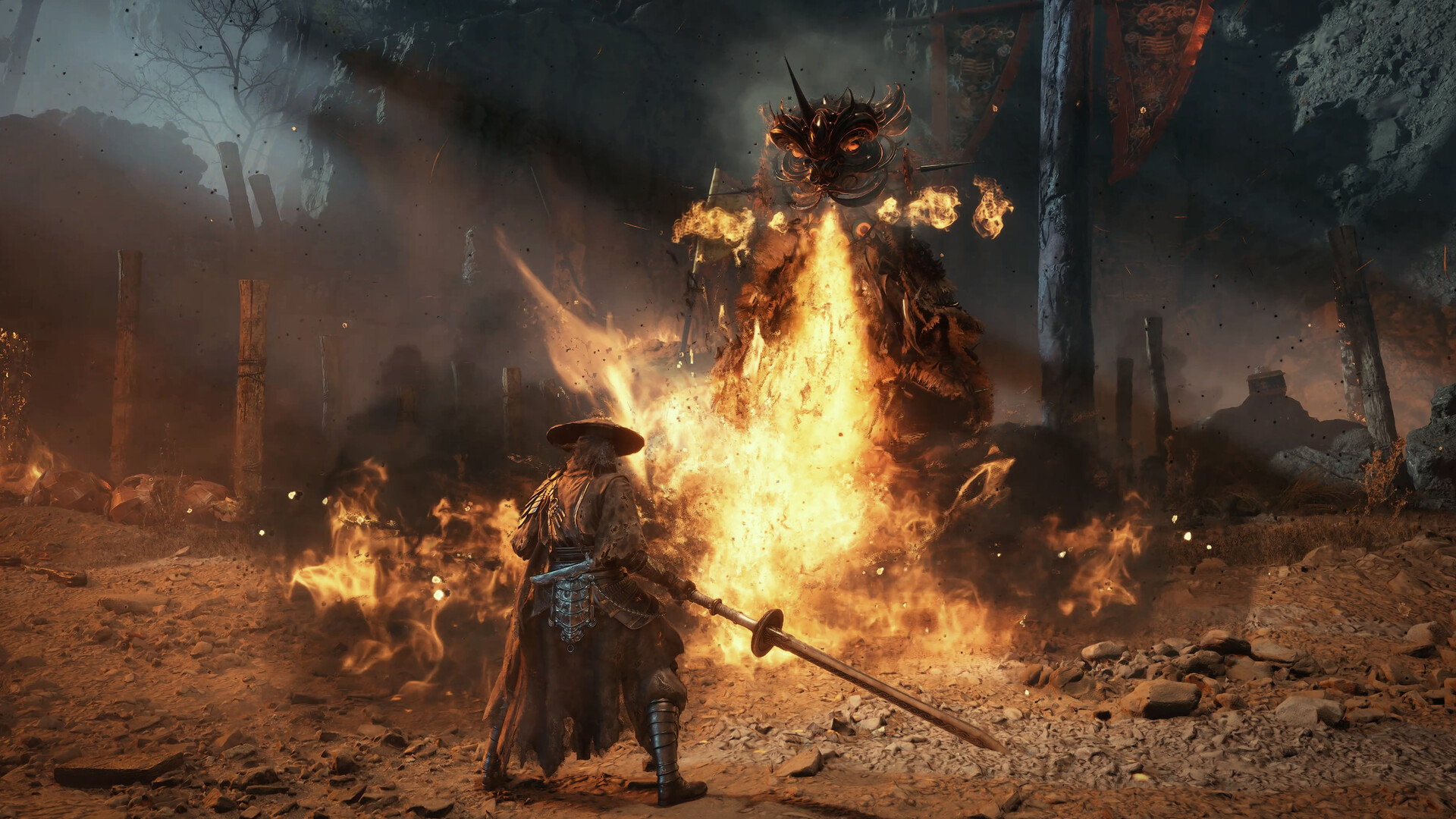
Phantom Blade Zero is a single-player action RPG from S-GAME, the studio behind Phantom Blade: Executioners. It runs on Unreal Engine 5. You play Soul, an assassin framed for a murder inside the organisation he serves, with a limited number of days left to live. That premise matters for PC players only in one way: this is a fast, animation-heavy melee game, and frame rate consistency affects how well you can read and parry attacks.
| Detail | Status |
|---|---|
| Developer / publisher | S-GAME |
| Engine | Unreal Engine 5 |
| Genre | Single-player action RPG |
| PC release date | October 28, 2026 (Windows) |
| PC storefront | Steam (pre-purchase open) |
| Other platforms | PlayStation 5 announced |
| Xbox version | Not announced |
| Steam Deck rating | Not rated yet |
| Last checked | July 2026 |
The PS5 version is announced. We could not confirm in our check whether it shares the October 28 PC date, so treat any same-day console claim as unconfirmed until S-GAME states it.
Phantom Blade Zero minimum and recommended specs
S-GAME has put PC requirements on the game’s Steam listing. Two lines are consistent across every report we checked: the GTX 1660 graphics floor and 16 GB of system memory at both tiers. We only fill in a cell when we could confirm it. Everything else is marked so you know to check the System Requirements panel on the Steam page before you buy hardware.
| Component | Minimum | Recommended |
|---|---|---|
| OS | 64-bit Windows | 64-bit Windows |
| Processor (Intel / AMD) | Not confirmed in our check | Not confirmed in our check |
| Graphics (NVIDIA) | GeForce GTX 1660 | Not confirmed in our check |
| Graphics (AMD Radeon) | Not confirmed in our check | Not confirmed in our check |
| Memory | 16 GB RAM | 16 GB RAM |
| Storage | Not published | Not published |
| DirectX | Not confirmed in our check | Not confirmed in our check |
| Target resolution / frame rate | Not stated | Not stated |
We will replace each “not confirmed” cell with the official figure once it is verified against the store page or an S-GAME post. We won’t print a CPU model or a recommended GPU from a third-party “can I run” estimate. Those sites often fill the gaps with guesses, and a guess at the CPU line is how people end up buying the wrong upgrade.
What the missing pieces mean for you
The publisher has not attached resolution or frame rate targets to either tier. For a melee action game, that gap matters more than it would in a strategy game. A “minimum” tier that targets 1080p at 30 fps is a very different promise from one that targets 1080p at 60 fps. Until S-GAME says which, read the minimum spec as “the game launches and is playable,” not “the game feels the way the trailers look.”
The GTX 1660 floor is the real headline
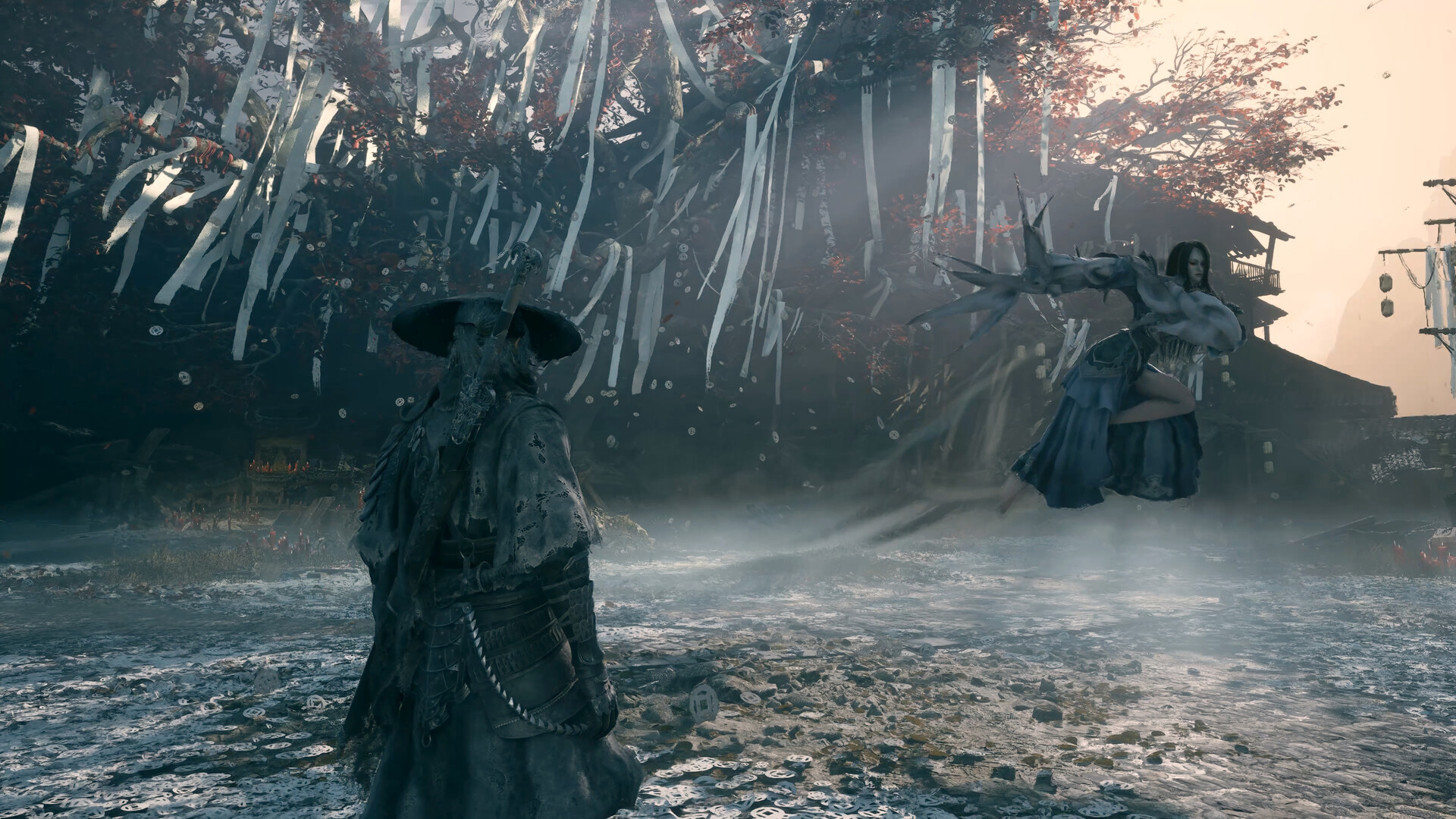
A GTX 1660 minimum is a friendly number for an Unreal Engine 5 game in 2026. NVIDIA launched the card in March 2019 with 6 GB of VRAM and no hardware ray tracing. Several recent UE5 releases have set their floor at an RTX 20-series card or a 8 GB GPU instead. If you have read our Borderlands 4 PC breakdown, you will have seen how quickly UE5 requirements can climb once Lumen and Nanite are pushed hard.
A 1660 floor tells you two practical things:
- Ray tracing is not required to run the game. The GTX 1660 has no RT cores, so the minimum path must work without hardware ray tracing.
- 6 GB of VRAM is enough to get in. If your card has 6 GB or more and sits at or above GTX 1660 performance, you clear the published GPU bar.
What it does not tell you is how the game looks or runs at that tier. Expect low presets and upscaling to be part of the minimum experience. NVIDIA and S-GAME have confirmed DLSS 4.5 support (Super Resolution and Multi Frame Generation) for the PC version at launch, while AMD FSR and Intel XeSS support has not been confirmed.
Graphics cards near the GTX 1660 line
The table below is a rough guide based on how these cards generally compare in raster performance. It is not an official compatibility list. Cards at or above the line should meet the published minimum GPU requirement. Cards below it are a risk.
| GPU | VRAM | Relative to GTX 1660 |
|---|---|---|
| GeForce GTX 1050 Ti | 4 GB | Below |
| GeForce GTX 1060 6GB | 6 GB | Slightly below |
| GeForce GTX 1660 | 6 GB | Minimum line |
| GeForce GTX 1660 Super / Ti | 6 GB | Above |
| GeForce RTX 2060 | 6 GB | Above |
| GeForce RTX 3050 (8GB) | 8 GB | Roughly at or above |
| Radeon RX 580 8GB | 8 GB | Roughly level |
| Radeon RX 5600 XT | 6 GB | Above |
| Radeon RX 6600 | 8 GB | Well above |
| Intel Arc A750 | 8 GB | Well above |
Laptop versions of these GPUs usually perform below their desktop namesakes, sometimes by a wide margin. A laptop RTX 3050 with a low power limit can land closer to the 1660 line than a desktop RTX 3050 would.
16GB at both tiers, and what that leaves out
Asking for 16 GB at minimum and recommended is a clear signal. 8 GB systems are out, even at low settings. If you are still on 8 GB, the RAM upgrade is the cheapest and most important change you can make before launch.
The flip side: the recommended tier does not ask for 32 GB. Some recent open-world PC releases have moved their recommended memory up to 32 GB. Our KCD 2 system requirements page covers one big RPG that stayed at 16 GB recommended while still being demanding elsewhere. Phantom Blade Zero follows the same pattern on paper.
A few practical notes on memory:
- Run it in dual channel. Two 8 GB sticks beat one 16 GB stick for gaming. A single stick halves memory bandwidth, and that hurts integrated graphics and CPU-bound scenes most.
- Background apps count. 16 GB is the requirement for the game, not for the game plus a browser with 40 tabs, Discord and a stream overlay. Close what you don’t need.
- Turn on XMP or EXPO. Many prebuilt PCs ship with RAM running below its rated speed. Enabling the profile in the BIOS is free performance.
The storage figure nobody has published yet
S-GAME has not listed an install size for the PC version in our check. That is the single biggest gap on the spec sheet, and it matters because UE5 action games with high-detail environments can be large.
Here is what we can say without guessing a number:
- Plan for an SSD. No SSD requirement is confirmed yet, but UE5 streams assets constantly. A hard drive is the most likely cause of stutter and long loads in any modern UE5 release.
- Leave headroom beyond the final size. Steam needs extra free space to download and apply patches, so the space you need on day one is more than the install size alone.
- Preload size is a clue. When Steam opens preloading, the download size will give you the first hard figure. We will add it here as soon as it appears.
If you are juggling a small SSD, our Fortnite PC storage requirements guide shows how much room one constantly updated game can quietly take over. It is worth checking what else is sitting on your drive before October.
Good to know
Steam’s pre-purchase does not reserve disk space. Free up room on your fastest SSD before preloading starts so the download doesn’t default to a slower drive.
Can I run Phantom Blade Zero?
You can answer this yourself in about two minutes. Compare your GPU and RAM against the confirmed lines above. Then come back for the CPU line once it is verified.
How to check your PC specs on Windows
- Press Windows + R, type dxdiag, press Enter.
- On the System tab, note Processor and Memory.
- Open the Display tab and note your graphics card name.
- Check free space in File Explorer under This PC.
- Compare against the Steam System Requirements panel.
If your GPU is at or above GTX 1660 level and you have 16 GB of RAM, you clear the two confirmed requirements. If either falls short, the game is outside S-GAME’s stated support. It may still launch, but you are on your own for performance.
Some sites run an automatic “can I run it” scan. Those tools compare your hardware against whatever spec data they hold. If that data is guessed, the verdict is too. Use the official Steam listing as the reference.
Steam Deck status
Valve had not given Phantom Blade Zero a Steam Deck Compatibility rating (Verified, Playable, Unsupported) in our check. S-GAME has not announced Deck support or a Deck-specific preset either.
For context, here is how the Steam Deck’s hardware lines up against the confirmed requirements:
| Item | Steam Deck (LCD / OLED) | Phantom Blade Zero minimum |
|---|---|---|
| Memory | 16 GB LPDDR5 (shared with GPU) | 16 GB RAM |
| Graphics | AMD APU, 8 RDNA 2 compute units | GeForce GTX 1660 |
| OS | SteamOS (Linux, via Proton) | 64-bit Windows |
| Storage options | 64 GB to 1 TB depending on model | Not published |
The Deck’s 16 GB is shared between system and video memory, so it does not meet the 16 GB requirement the way a desktop with a separate GPU does. Its integrated graphics also sit well below a desktop GTX 1660. Running a UE5 game designed around that floor on a Deck would need heavy upscaling and low settings, if it works at all. Treat Deck play as unconfirmed until Valve issues a rating.
What we’d prepare for Phantom Blade Zero
We are not going to publish a parts list built around requirements that are only half-confirmed. You can still make sensible moves now that hold up regardless of what the CPU and storage lines say:
- Get to 16 GB of RAM in dual channel. This is confirmed for both tiers, so it is a safe buy today.
- Make sure your GPU clears GTX 1660 level with 6 GB+ VRAM. That is the confirmed floor. For a better experience, an 8 GB card gives you more room for higher texture settings, which is common in UE5 games.
- Have an NVMe or SATA SSD with free space ready. The exact size will come later, but the drive type matters now.
- Update Windows and your GPU drivers before launch week. NVIDIA, AMD and Intel usually ship game-ready drivers close to big releases.
- Hold off on a CPU upgrade. Wait until the official processor line is verified. Buying a CPU against a guessed requirement is how you waste money.
If you are building a new PC for several 2026 releases, it makes more sense to size it for the most demanding game on your list. Check the requirements for those games alongside this one. Our “mw4 system requirements” page is one we will keep updated as that game’s spec sheet firms up.
What is confirmed and what is not
| Item | Status |
|---|---|
| PC release date | Confirmed: October 28, 2026 |
| Platform (PC) | Confirmed: Windows, Steam |
| Minimum GPU (NVIDIA) | Confirmed: GeForce GTX 1660 |
| RAM | Confirmed: 16 GB, both tiers |
| CPU requirements | Not confirmed in our check |
| Recommended GPU | Not confirmed in our check |
| AMD Radeon equivalents | Not confirmed in our check |
| Storage / install size | Not published |
| Upscaling (DLSS / FSR / XeSS) | Confirmed: DLSS 4.5; FSR / XeSS not confirmed |
| Resolution / fps targets per tier | Not stated |
| Steam Deck rating | Not rated |
| Xbox version | Not announced |
This page will be refreshed as S-GAME adds detail, as Steam opens preloading, and again after launch once the final patch size is known.
FAQ
What are the minimum system requirements for Phantom Blade Zero?
The confirmed minimum lines are an NVIDIA GeForce GTX 1660, 16 GB of RAM and 64-bit Windows. We have not confirmed the CPU and storage lines in our check, so look at the Steam page’s System Requirements panel for those.
Is 8 GB of RAM enough for Phantom Blade Zero?
No. S-GAME lists 16 GB of RAM at both the minimum and recommended tiers, so 8 GB falls below the stated requirement even for low settings.
How much storage does Phantom Blade Zero need?
The install size has not been published yet. Plan to install it on an SSD and leave extra free space for patches. We will add the figure once Steam shows a download size.
Does Phantom Blade Zero need ray tracing?
Not at the minimum tier. The GTX 1660 has no hardware ray tracing, so the game must run without it. Whether optional ray tracing settings exist on PC has not been confirmed.
Will Phantom Blade Zero run on Steam Deck?
That is not confirmed. Valve has not issued a Deck compatibility rating, and the Deck’s integrated graphics fall below the GTX 1660 minimum. Treat Deck play as unknown until a rating appears.
Is Phantom Blade Zero coming to Xbox?
An Xbox version has not been announced. The confirmed platforms are PC (Windows, via Steam) and PlayStation 5.
About the Author