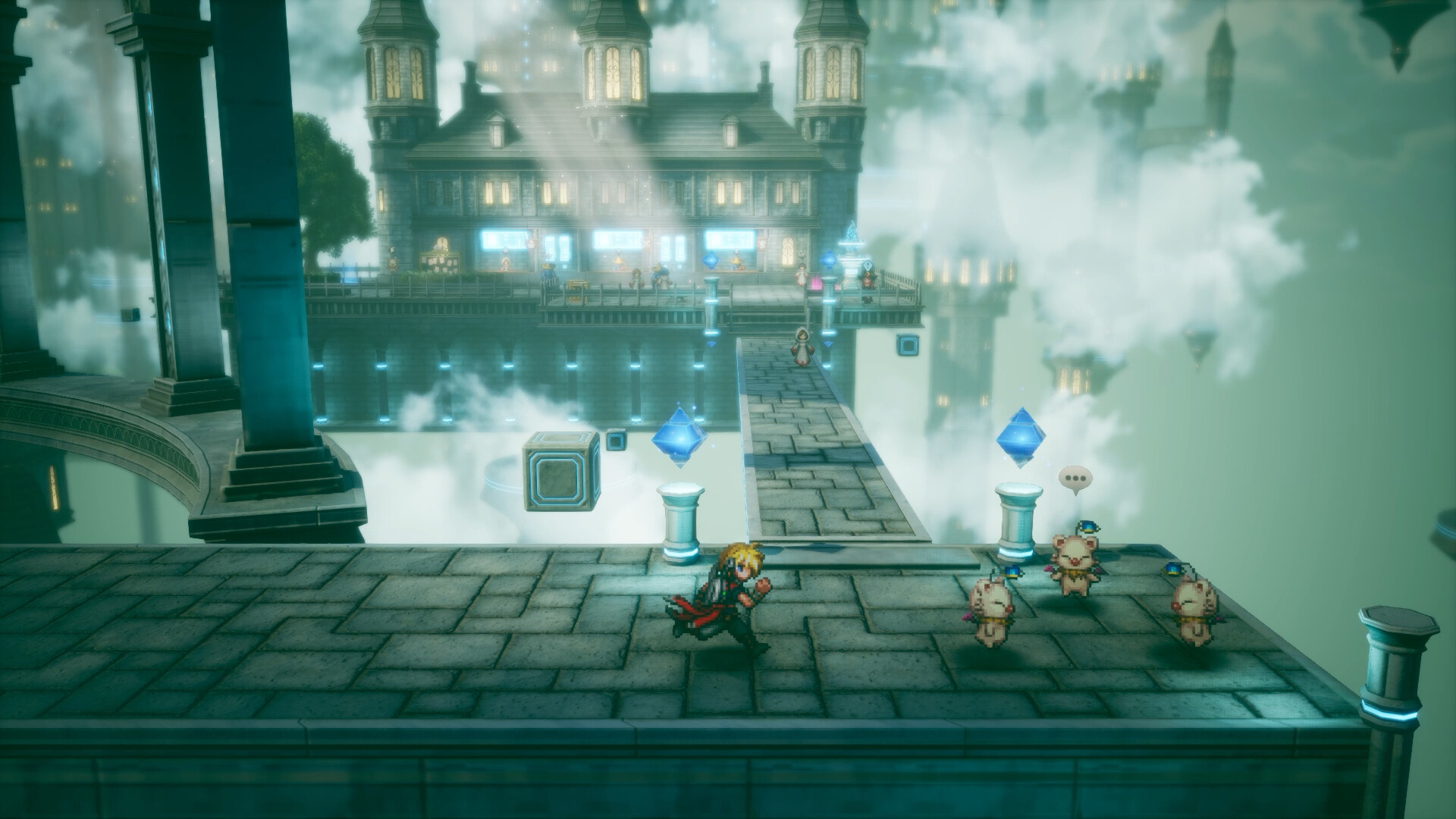
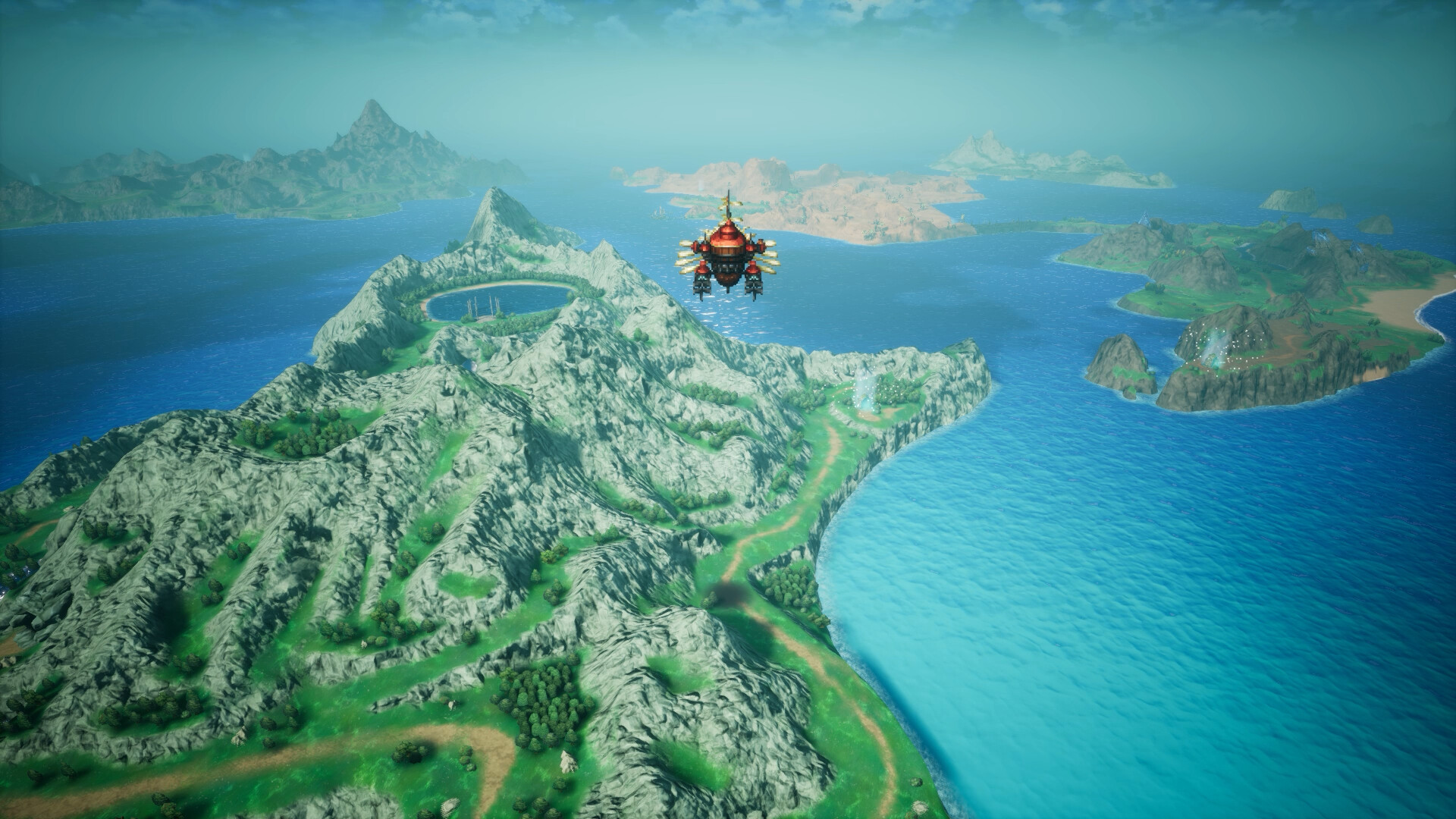
FINAL FANTASY RESONANCE screenshot
Last checked:
No, Square Enix has not published minimum or recommended PC system requirements for FINAL FANTASY RESONANCE yet. The game is confirmed for Windows PC on October 22, 2026, but the publisher has not posted CPU, GPU, RAM or storage figures for that version. This page tracks exactly what is official and gets updated as the launch details land.
What Square Enix has confirmed for the PC version
The confirmed facts are thin and they are all about availability rather than hardware. You know the date and the operating system. You do not yet know what it takes to run the game.
| Detail | Status | Source type |
|---|---|---|
| PC release date | October 22, 2026 | Official (Square Enix) |
| Operating system | Windows | Official (Square Enix) |
| Minimum PC specs | Not announced | n/a |
| Recommended PC specs | Not announced | n/a |
| Install size on PC | Not announced | n/a |
| Steam Deck Verified rating | Not rated | Valve has not published a rating |
| Upscaler support (DLSS, FSR, XeSS) | Not announced | n/a |
| Physical edition | Reported as digital-only on every platform | Press coverage, not a Square Enix spec sheet |
That last row matters for a system requirements page more than it first appears. If the PC version is download-only, as coverage of the game reports, you cannot fall back on a disc for the console copy and you cannot sidestep the full download on PC either. Every byte comes through your connection on or before launch day.
FINAL FANTASY RESONANCE system requirements table
Here is the table this page exists to fill. Every cell below reads “Not announced” because that is the truthful state of things as of the last check. It will be replaced with Square Enix’s own figures the moment they appear on the official site or the Steam store page.
| Component | Minimum | Recommended |
|---|---|---|
| OS | Not announced (Windows confirmed) | Not announced (Windows confirmed) |
| CPU | Not announced | Not announced |
| RAM | Not announced | Not announced |
| GPU | Not announced | Not announced |
| VRAM | Not announced | Not announced |
| Storage | Not announced | Not announced |
| Storage type (HDD or SSD) | Not announced | Not announced |
| DirectX | Not announced | Not announced |
| Target resolution and frame rate | Not announced | Not announced |
Some pages already circulating list specific graphics cards and gigabyte counts for this game. Treat those as guesses. There is no official Square Enix post or storefront listing to back them, and Metadata Games does not print hardware numbers that cannot be traced to a primary source.
What recent Final Fantasy PC releases asked for
The useful context you can act on today is how Square Enix has specced its last big single-player Final Fantasy ports. These are not Resonance’s requirements. They are the published launch specs for two modern entries in the series, as listed on Steam, and they tell you roughly where the publisher has set the bar for Windows builds in the past two years.
| Game (PC launch) | Minimum CPU | Minimum GPU | Recommended CPU | Recommended GPU | RAM | Storage |
|---|---|---|---|---|---|---|
| FINAL FANTASY XVI (September 2024) | Intel Core i5-8400 / AMD Ryzen 5 1600 | NVIDIA GeForce GTX 1070 / AMD Radeon RX 5700 | Intel Core i7-10700 / AMD Ryzen 7 5700X | NVIDIA GeForce RTX 2080 / AMD Radeon RX 6700 XT | 16 GB | 170 GB SSD |
| FINAL FANTASY VII REBIRTH (January 2025) | Intel Core i5-7500 / AMD Ryzen 5 1400 | NVIDIA GeForce GTX 1660 6 GB / AMD Radeon RX 5500 XT | Intel Core i7-8700K / AMD Ryzen 7 2700X | NVIDIA GeForce RTX 2070 / AMD Radeon RX 5700 XT | 16 GB | 155 GB SSD |
Three patterns stand out, and they are worth more than any leaked card name.
First, both ports required an SSD outright. Square Enix did not list a hard drive as acceptable even at minimum. Second, 16 GB of RAM was the floor for both minimum and recommended tiers, with no 8 GB option. Third, install sizes landed in the 150 to 170 GB range. If Resonance follows the house style, that is the kind of footprint to budget for, but you should wait for the real number before clearing a drive.
Resonance is a different game built by a different team, and its engine choice has not been detailed publicly. A game built around eight Crystals and a storm-wracked realm could be far lighter or far heavier than a Rebirth-scale production. The table above is a reference point for Square Enix’s habits, nothing more.
Storage: what to plan for right now
The official install size for the PC build is not announced. Our separate article on the Final Fantasy Resonance size tracks every platform’s download figure as it appears, so check there for console numbers and any Steam storefront listing.
What you can do today without a number:
- Keep at least one SSD with free headroom. Every recent Final Fantasy PC port listed SSD as mandatory, and that pattern is unlikely to reverse for an October 2026 release.
- Do not rely on a secondary HDD for the install. Even if Square Enix allows it, texture streaming on a spinning drive is where modern open-area games hitch.
- Remember that Steam needs scratch space during install. A 150 GB game can briefly need more than 150 GB free while it unpacks preload files.
Good to know
Steam shows the install size on the store page under the system requirements block, and it usually appears before the specs section is finalised. If a storage number shows up there and nowhere else, that is still an official figure, since the publisher enters it.
Steam Deck and Windows handhelds
Valve has not assigned a Deck Verified rating to the game. That is normal this far out. Ratings come from Valve’s own testing and typically appear in the final weeks before launch, sometimes on launch day itself. The four possible outcomes are Verified, Playable, Unsupported and Unknown, and a game stays at Unknown until Valve tests it.
Square Enix has been willing to target the Deck in recent ports. FINAL FANTASY VII REBIRTH carried a Steam Deck Verified badge at its PC launch with a dedicated handheld preset. That does not guarantee the same treatment for Resonance, and the publisher has said nothing on the subject so far.
For ROG Ally, Legion Go and similar Windows handhelds there is never an official rating. You compare the device’s APU against the published minimum GPU once Square Enix posts one. Until that happens, “not confirmed” is the only honest status.
How to check your PC against the specs once they land
When the requirements go live you will want to compare them against your machine in a minute, not an afternoon. Pull your own numbers now so you are ready.
Find your current specs on Windows
- Press Windows key + R, type dxdiag, press Enter.
- Read your CPU, RAM and OS version on the System tab.
- Click the Display tab for your GPU model and dedicated VRAM.
- Open Settings, then System, then Storage, to see free space per drive.
- In Task Manager under Performance, click a drive to confirm whether it is SSD or HDD.
| Spec line in the table | Where to compare it | What trips people up |
|---|---|---|
| CPU | dxdiag System tab | Laptop chips with the same number as a desktop chip are slower |
| GPU | dxdiag Display tab | Mobile GPUs carry the same names as desktop cards but run lower clocks |
| VRAM | dxdiag Display tab, “Display Memory” | Shared memory on integrated graphics is not the same as dedicated VRAM |
| RAM | dxdiag System tab | 16 GB installed with 2 GB reserved for an iGPU leaves 14 GB usable |
| Storage | Settings, System, Storage | Free space on the C: drive matters only if that is where Steam installs |
| OS | dxdiag System tab | Windows 10 is still common; check whether the spec says 10 or 11 |
The same checklist works for any launch-week comparison. If you ran through it recently for Borderlands 4 PC or the KCD 2 system requirements, your dxdiag numbers have not changed, and you can skip straight to the comparison when Square Enix publishes its sheet.
When to expect the official specs

Square Enix has not given a date for posting the PC requirements. Its recent habit has been to attach the spec sheet to a major PC announcement rather than to a quiet store update. FINAL FANTASY XVI’s PC requirements arrived alongside the PC release date reveal and demo, roughly a month before launch. FINAL FANTASY VII REBIRTH’s PC specs were published when the PC version was formally announced, about two months out.
With a shared October 22 date across platforms, Resonance may not get a separate PC reveal moment at all. The most likely places for the specs to appear first are the Steam store page, the official Square Enix site’s platform section and the publisher’s news posts. This page checks all three.
What this page will not claim yet
A few things turn up in search results and on forums that Metadata Games is deliberately leaving blank until a primary source confirms them:
- Specific GPU or CPU models for minimum or recommended tiers. None are official.
- A PC install size in gigabytes. Not listed on any storefront as of the last check.
- Ray tracing, frame generation or upscaler support. Square Enix has not described the PC feature set.
- Steam Deck Verified status. Valve has not rated the game.
- Whether the Digital Deluxe Edition installs extra data on PC. Edition contents are about bonus items and story-adjacent extras, not hardware, and nothing about a larger install has been stated.
- A preload window on Steam. Console preload has been reported but not confirmed by Square Enix, and PC preload timing has not been mentioned anywhere official.
If you see a page presenting any of these as fact without pointing at a Square Enix post or a store listing, it is extrapolating. The series has a long enough PC history that confident-sounding guesses are easy to write. They are still guesses.
FAQ
How long is FINAL FANTASY RESONANCE?
Not confirmed. Square Enix has not stated a playtime, and community averages from sites like HowLongToBeat only exist after players finish the game. Expect first main-story averages within a week or two of the October 22, 2026 release, with completionist averages following later.
What are the system requirements for Final Fantasy 15?
FINAL FANTASY XV WINDOWS EDITION (March 2018) listed a minimum of an Intel Core i5-2500 or AMD FX-6100, 8 GB of RAM, a GeForce GTX 760 or GTX 1050 or Radeon R9 280, and 100 GB of storage. The recommended tier was an Intel Core i7-3770 or AMD FX-8350, 16 GB of RAM, a GeForce GTX 1060 6 GB or Radeon RX 480, and the same 100 GB. The optional 4K high-resolution pack pushed storage to 155 GB and called for a GTX 1080 Ti. Those figures are from 2018 and say nothing about Resonance.
Can my PC handle FF14?
FINAL FANTASY XIV’s requirements rose with the Dawntrail expansion in 2024, and the current figures are listed on the official site and the Steam store page. The quickest way to know for certain is Square Enix’s free official benchmark tool, which runs the actual engine on your hardware and gives you a score. The game also has a free trial, so you can test it on your own machine before paying.
Will FINAL FANTASY RESONANCE be on PC?
Yes. Square Enix has confirmed a Windows PC version releasing October 22, 2026, the same date as the console versions. The hardware requirements for that version are not announced yet, which is what this page tracks.
About the Author