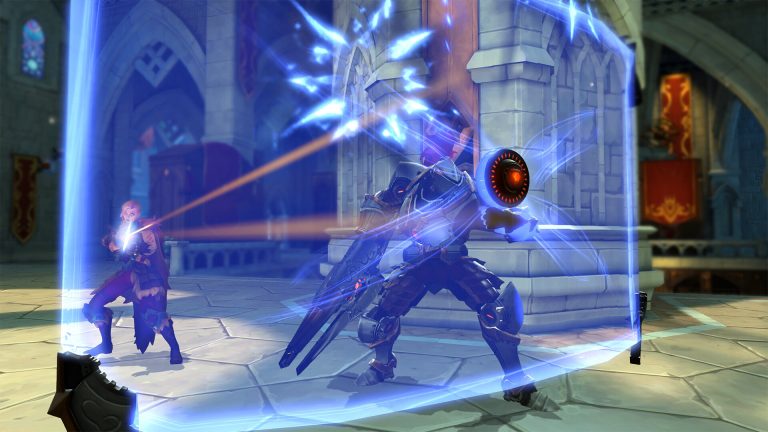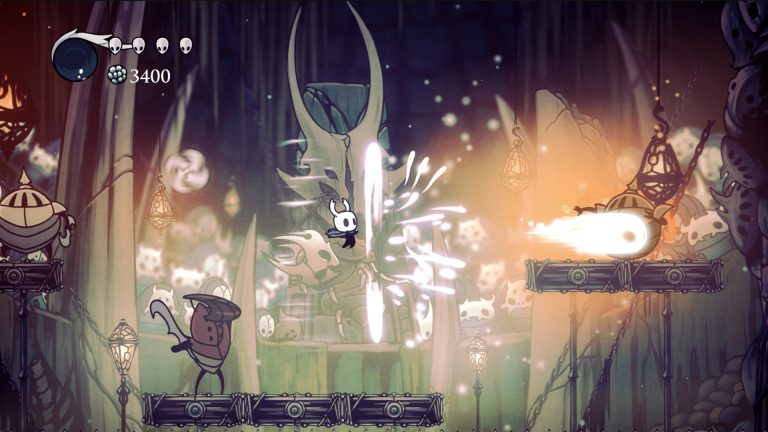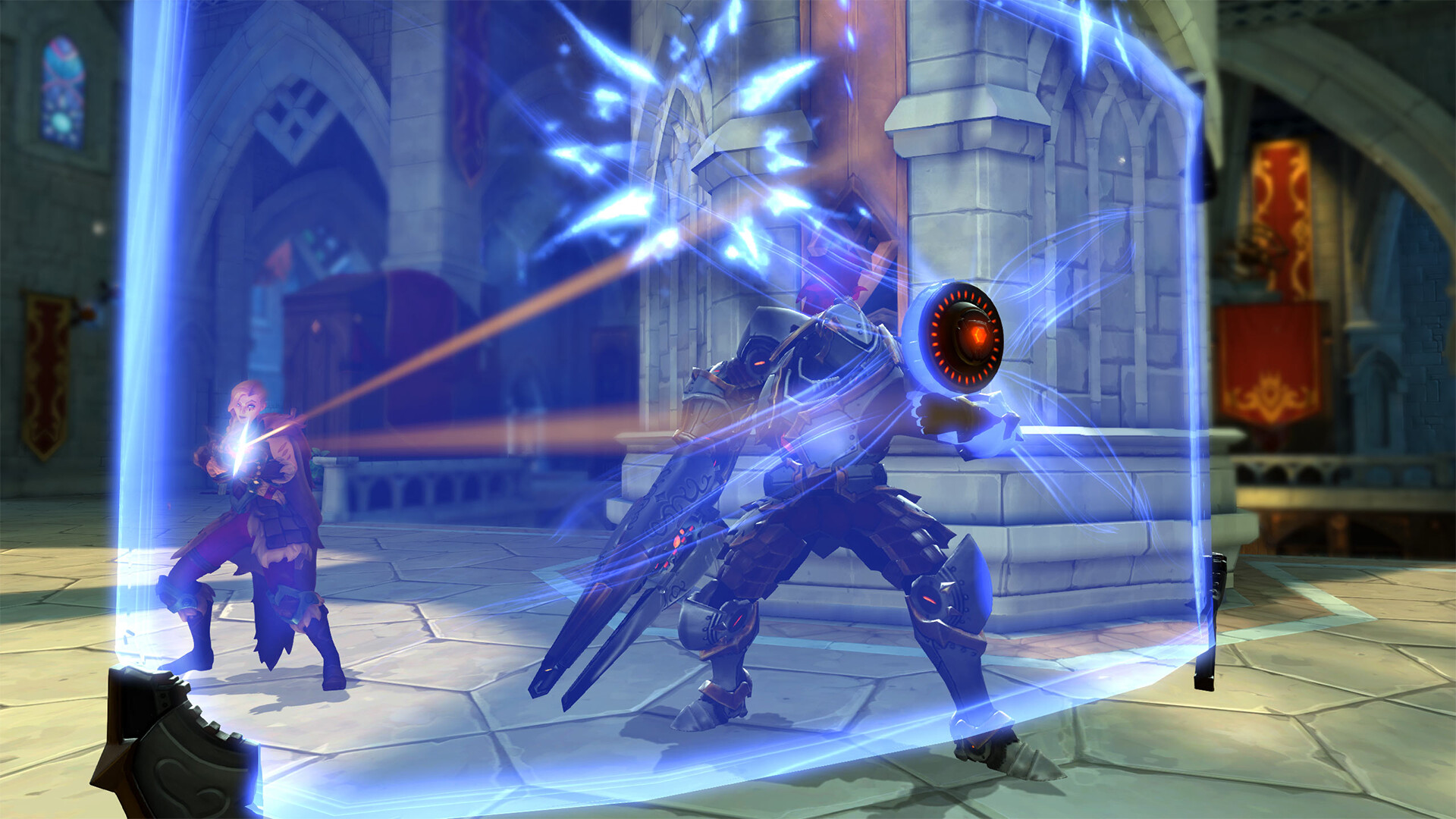
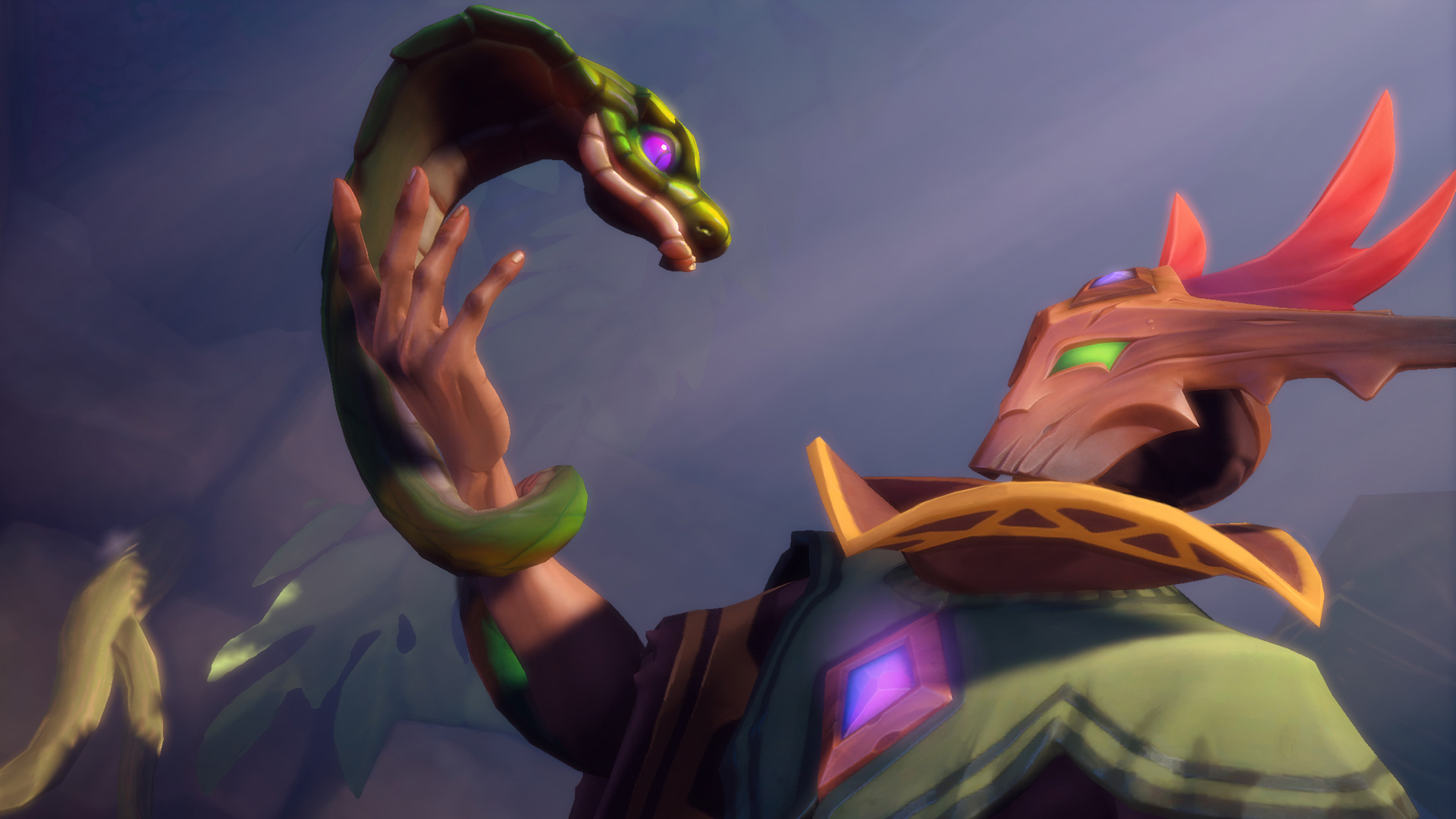
Paladins® screenshot
Last checked:
No, Paladins does not run natively on Mac. Hi-Rez Studios ended official macOS support in 2019, after Apple removed 32-bit app support in macOS Catalina, and the game has not returned to the platform since. You can still play on Mac hardware through Boot Camp on an Intel Mac, through GeForce NOW on any Mac, or, with no guarantees, through Parallels on Apple Silicon.
Is there a Mac version of Paladins?
There was one, and now there isn’t. Paladins launched into open beta on Steam in September 2016 with both Windows and macOS clients, which made it one of the few free-to-play hero shooters a Mac owner could install without workarounds. That Mac client was built on Unreal Engine 3, which on macOS meant a 32-bit binary running on OpenGL.
Both of those technical choices aged badly. Apple deprecated OpenGL in macOS 10.14 Mojave in 2018, and then removed 32-bit application support entirely in macOS 10.15 Catalina in October 2019. Hi-Rez confirmed at the time that it would not be rebuilding the client as a 64-bit Metal app, and the macOS option was removed from the Steam store page.
As of October 2026, the Paladins page on Steam lists Windows as the only supported operating system. The Epic Games Store version is Windows-only as well. Hi-Rez has never announced plans to bring the title back to macOS, so treat any claim of a “Paladins Mac download” from a third-party site as a red flag.
Why Paladins stopped working on Mac
The short version: Apple changed macOS faster than a nine-year-old engine could keep up. The longer version is worth knowing, because it explains which old Macs could theoretically still launch the client and why even those can’t actually play.
| Date | Event | Effect on Paladins Mac |
|---|---|---|
| 16 Sep 2016 | Paladins open beta on Steam | Native macOS client available |
| 8 May 2018 | Paladins 1.0 release | Mac client still supported |
| 24 Sep 2018 | macOS 10.14 Mojave released | OpenGL deprecated; performance and stability complaints rise |
| 7 Oct 2019 | macOS 10.15 Catalina released | 32-bit apps blocked; client cannot launch |
| Late 2019 | Hi-Rez ends macOS support | Mac option removed from Steam |
| Nov 2020 | First Apple Silicon Macs ship | No Boot Camp; Intel-only Windows path closes for new hardware |
Dates as of October 2026.
The Mojave problem
Mojave didn’t break Paladins outright. What it did was mark OpenGL as deprecated, meaning Apple stopped improving it and warned developers it would eventually go away. Mac players on Mojave reported crashes at the start of matches, texture glitches on certain skins, and frame-rate drops that hadn’t existed on High Sierra. Hi-Rez patched some of it, but the writing was on the wall.
The Catalina wall
Catalina was the actual end. When you try to open a 32-bit app on Catalina or anything later, macOS shows a dialog saying the developer needs to update it, and that’s that. The Steam discussion threads titled along the lines of “Paladins does not start in macOS Catalina” date from exactly this window, October 2019, and the answer in every one of them was the same: there is no fix, because the client itself is incompatible.
Why old Macs can’t play either
You might think a Mac still running High Sierra or Mojave could run the last Mac build. In practice, no. Steam no longer serves a macOS depot for Paladins, so there is nothing to download. Even if you had the old files, Paladins is an online-only game that checks client version against the server before matchmaking. A 2019 build cannot connect to a 2026 server, so the login screen is as far as you’d get.
Paladins Mac compatibility by hardware and macOS version
Your options depend almost entirely on whether your Mac has an Intel chip or Apple Silicon. Click the Apple menu, choose About This Mac, and look at the Chip or Processor line to check.
| Mac type | macOS version | Native Paladins | Boot Camp | Parallels | GeForce NOW |
|---|---|---|---|---|---|
| Intel Mac, 2012 to 2020 | 10.15 Catalina or later | No | Yes (Windows 10) | Possible, unsupported | Yes |
| Intel Mac, 2012 to 2020 | 10.14 Mojave or earlier | No (depot removed) | Yes (Windows 10) | Possible, unsupported | Depends on app version |
| Apple Silicon (M1 to M4 family) | Any | No | No | Possible, unsupported | Yes |
| Any Mac | Any | No | See above | See above | Requires account and internet |
As of October 2026.
A quick note on Boot Camp support. Apple’s official Windows 10 Boot Camp list covers MacBook (2015 to 2017), MacBook Air (2012 to 2020), MacBook Pro (2012 to 2020), Mac mini (2012 to 2018), iMac (2012 to 2020), iMac Pro (all models), and Mac Pro (2013 to 2019). If your Intel Mac predates those years, Boot Camp Assistant won’t offer Windows 10, and Paladins requires a 64-bit Windows 7 or newer install anyway.
How to play Paladins on a Mac in 2026
Three methods actually work, and one category of methods reliably doesn’t. Here is how they compare before you commit to any of them.
| Method | Works on Intel | Works on Apple Silicon | Cost beyond the game | Performance | Officially supported by Hi-Rez |
|---|---|---|---|---|---|
| Boot Camp (Windows 10) | Yes | No | Free (Windows licence optional for activation) | Native, best | Yes (it’s just Windows) |
| GeForce NOW | Yes | Yes | Free tier or paid tier | Streaming, depends on connection | Yes (Paladins is in the library) |
| Parallels Desktop | Yes | Yes | Subscription, around $100 per year | Emulated, variable | No |
| CrossOver, Whisky, Game Porting Toolkit | Partial | Partial | Varies | Anti-cheat blocks launch | No |
As of October 2026. Paladins itself is free-to-play on every method.
Method 1: Boot Camp on an Intel Mac
This is the best experience by a wide margin. Boot Camp installs Windows on its own partition, and when you boot into it, your Mac is a Windows PC in every meaningful sense. Paladins runs at native speed with Easy Anti-Cheat loading normally, and your Steam or Epic account carries over because you’re just signing in on Windows.
The catch is disk space. Apple recommends at least 64 GB free for the Windows partition, and realistically you want 128 GB or more once you add Windows updates, Steam and a 30 GB Paladins install. If you’ve ever checked the fortnite pc storage requirements you’ll know how quickly a shooter’s install grows through patches, and Paladins is no different: budget for the listed size plus room for a couple of major updates.
How to set up Boot Camp for Paladins
- Download a Windows 10 64-bit ISO from Microsoft’s website.
- Open Boot Camp Assistant from Applications, Utilities.
- Set the Windows partition to at least 128 GB and start the install.
- Boot into Windows and let Boot Camp install Apple’s drivers.
- Install Steam or the Epic Games launcher, then install Paladins.
- Run Windows Update fully before your first match so Easy Anti-Cheat has current components.
One thing to be aware of: Windows 10 reached Microsoft end of support on 14 October 2025. It still runs and still gets Paladins updates, but it no longer receives security patches from Microsoft. Boot Camp Assistant does not officially support Windows 11, since most Intel Macs lack the TPM 2.0 requirement, so Windows 10 remains the practical choice for this path. Keep the partition for gaming and do your sensitive work in macOS.
Method 2: GeForce NOW on any Mac
If you own an Apple Silicon Mac, this is your only realistic route. Nvidia’s GeForce NOW streams a game running on a datacentre PC to the native GeForce NOW app on macOS, and Paladins is in its library. You link your Steam account, the cloud PC launches the game, and you play with your own progress, skins and friends list.
Nvidia offers a free tier with queue times, advertising and session limits, plus paid Performance and Ultimate tiers that remove the queue and raise resolution and frame-rate caps. Check Nvidia’s pricing page for the current monthly rates in your region, since they have changed more than once and vary by country.
The quality depends on your connection far more than on your Mac. A wired Ethernet connection or a strong 5 GHz Wi-Fi signal with low latency matters a lot in a shooter where flick shots and ability timing decide fights. On a congested connection you’ll see input lag and compression artefacts, and no amount of Mac horsepower fixes that.
Playing Paladins through GeForce NOW
- Create an Nvidia account and download the GeForce NOW app for macOS.
- Sign in and search for Paladins in the app.
- Link your Steam account when prompted; Paladins must be in your Steam library.
- Launch from GeForce NOW and sign into Hi-Rez when the game loads.
- Use a wired connection or 5 GHz Wi-Fi for the lowest latency.
Good to know
Add Paladins to your Steam library on any device first, even a phone browser. GeForce NOW can only launch games it already sees in your linked Steam account, and claiming a free-to-play title takes ten seconds.
Method 3: Parallels Desktop (unsupported)
Parallels runs Windows 11 inside macOS. On Apple Silicon it runs the ARM edition of Windows, which then translates Paladins’ x86 code on the fly. On Intel Macs it runs standard Windows 11 or 10 as a virtual machine. Parallels does support DirectX 11, which Paladins’ Unreal Engine 3 renderer uses, so the game itself can run.
The problem is Easy Anti-Cheat. Anti-cheat software treats virtual machines with suspicion because they make memory manipulation easier to hide. Some Easy Anti-Cheat titles launch fine in Parallels, others refuse, and the behaviour can change with any patch on either side. Hi-Rez does not support virtualised play, so if the game fails to start or your account is flagged, you have no appeal route. Treat this as an experiment, not a plan.
Why CrossOver, Whisky and Game Porting Toolkit don’t work
These tools translate Windows API calls into macOS calls, which is impressive for single-player games. Paladins is not a single-player game. Easy Anti-Cheat installs a Windows kernel component that has no equivalent in a translation layer, so the launcher errors out before the game loads. Apple’s Game Porting Toolkit has the same limitation. Until Hi-Rez ships an anti-cheat build that supports these environments, which it has never indicated it will, this category is a dead end for Paladins.
Paladins system requirements for the Windows route

If you’re using Boot Camp or Parallels, the game’s standard Windows requirements apply to the Mac’s hardware. These are the figures on the Steam store listing as of October 2026. Verify them on the store page before you size a partition, as Hi-Rez has revised them in the past.
| Requirement | Minimum | Recommended |
|---|---|---|
| OS | Windows 7 64-bit or newer | Windows 7 64-bit or newer |
| Processor | Core 2 Duo 2.4 GHz or Athlon X2 2.7 GHz | Intel Core i5 or AMD Phenom X4 at 2.5 GHz or better |
| Memory | 4 GB RAM | 6 GB RAM |
| Graphics | Nvidia GeForce 8800 GT | Nvidia GeForce GTX 660 or AMD R9 270 |
| DirectX | Version 10 | Version 11 |
| Network | Broadband internet | Broadband internet |
| Storage | 30 GB available | 30 GB available |
Steam listing, as of October 2026.
Those are modest numbers. Any Intel Mac on Apple’s Boot Camp list clears the minimum easily, and most 2017 or later models with a dedicated GPU or Iris Plus graphics land somewhere near the recommended tier. A 2019 16-inch MacBook Pro with a Radeon Pro 5300M, for instance, has far more graphics headroom than a GTX 660.
The weak spot on Macs is usually thermals rather than raw specs. MacBooks throttle hard under sustained GPU load in Boot Camp, since Apple’s Windows drivers don’t manage fans as aggressively as macOS does. Cap the frame rate at 60 in Paladins’ video settings on a laptop, and consider a cooling stand for long sessions. On an iMac or Mac mini with a dedicated GPU, 120 frames per second at 1080p is realistic.
Compare that to current releases and Paladins is still one of the lightest shooters around. The recommended GPU for a 2025 title like the one in our borderlands 4 pc requirements write-up is several generations beyond a GTX 660, and the kcd 2 system requirements ask for 16 GB of RAM against Paladins’ 6 GB. That’s the upside of a 2016 engine: almost any Mac that can run Windows can run this game.
Progression, skins and storage across methods
Your Paladins account lives with Hi-Rez, not with the Mac. Champions, skins, Battle Pass progress and ranked rating are tied to your Hi-Rez account, and the game supports linked accounts across PC, PlayStation, Xbox and Nintendo Switch with crossplay between them. If you’re curious how that linking works in general, our explainer on cross-platform gaming covers the mechanics, but for Mac purposes the point is simple: whichever route you use, you log into the same account and see the same inventory.
Storage differs by method:
- Boot Camp: the full 30 GB install sits on your Windows partition, plus Windows itself at roughly 25 to 30 GB and Steam’s cache. Budget 70 GB as a floor for the whole arrangement.
- GeForce NOW: nothing is stored locally beyond the app, which is under 1 GB. Your Mac’s drive size is irrelevant.
- Parallels: the Windows virtual disk grows dynamically. Expect 60 GB or more once Paladins is installed, and the file lives inside your macOS user folder, so it counts against your Mac’s free space.
Good to know
On Boot Camp, verify Paladins’ game files through Steam after each macOS update. Apple firmware updates occasionally reset the Boot Camp partition’s permissions, and a quick verification avoids an Easy Anti-Cheat error on your next launch.
Where Paladins stands in 2026
One thing to factor into how much effort you spend on a Mac setup: the game is no longer in active content development. Hi-Rez announced in early 2025 that Paladins would move to maintenance mode after a final content update, with no further new champions planned, while servers and matchmaking would remain online. The studio’s own channels, including its Twitter and Steam news feed, remain the place to check for the latest server status, since maintenance-mode games can go offline with relatively short notice.
As of October 2026, the game is still playable on PC and consoles, which means every method on this page still works. But a native Mac client is not coming. A studio that has stopped adding champions is not going to fund a Metal port of a 2016 Unreal Engine 3 build, and nobody at Hi-Rez has suggested otherwise.
If you want a long-term Mac shooter with official support, you’re better served by titles that ship native Apple Silicon builds. Paladins is worth the Boot Camp or GeForce NOW effort only if it’s specifically the game you want to play, and for a lot of people who’ve sunk years into their skins collection, it is.
FAQ
Can I download Paladins on a Mac from Steam?
No. The Steam store page lists Windows only, so the Mac Steam client will not show an install button. Websites offering a Paladins Mac installer are either hosting the obsolete 2019 build, which cannot connect to current servers, or something worse.
Does Paladins work on M1, M2, M3 or M4 Macs?
Not natively, and not through Boot Camp, which doesn’t exist on Apple Silicon. GeForce NOW is the only reliable way to play Paladins on an Apple Silicon Mac. Parallels is technically possible but Easy Anti-Cheat can block it, and Hi-Rez won’t help if it does.
Did Paladins ever have a Mac version?
Yes. The macOS client was available from the September 2016 open beta until late 2019. It was a 32-bit OpenGL build, which macOS Catalina could no longer run, and Hi-Rez ended support rather than rewrite it.
Can an old Mac on macOS Mojave still run Paladins?
No. The Mac files are no longer available on Steam, and even an archived copy would fail the version check against today’s servers. Mojave only matters for Boot Camp eligibility, where the Mac’s model year is what counts.
Is Paladins on GeForce NOW?
Yes, through the Steam version. You need Paladins in your Steam library and a linked Nvidia account. The free tier works but comes with queues and session limits, so plan on a paid tier if you play regularly.
Will Easy Anti-Cheat work on Boot Camp?
Yes. Boot Camp runs a real Windows installation on bare hardware, not a virtual machine, so Easy Anti-Cheat loads exactly as it does on any Windows PC. Keep Windows updated, since outdated system components are the most common cause of anti-cheat launch errors.
How much disk space do I need for Paladins on a Mac?
For Boot Camp, at least 128 GB for the Windows partition to comfortably hold Windows, Steam and the 30 GB Paladins install with room for updates. For GeForce NOW, under 1 GB for the app. For Parallels, expect the virtual disk to reach 60 GB or more.
About the Author