Last checked:
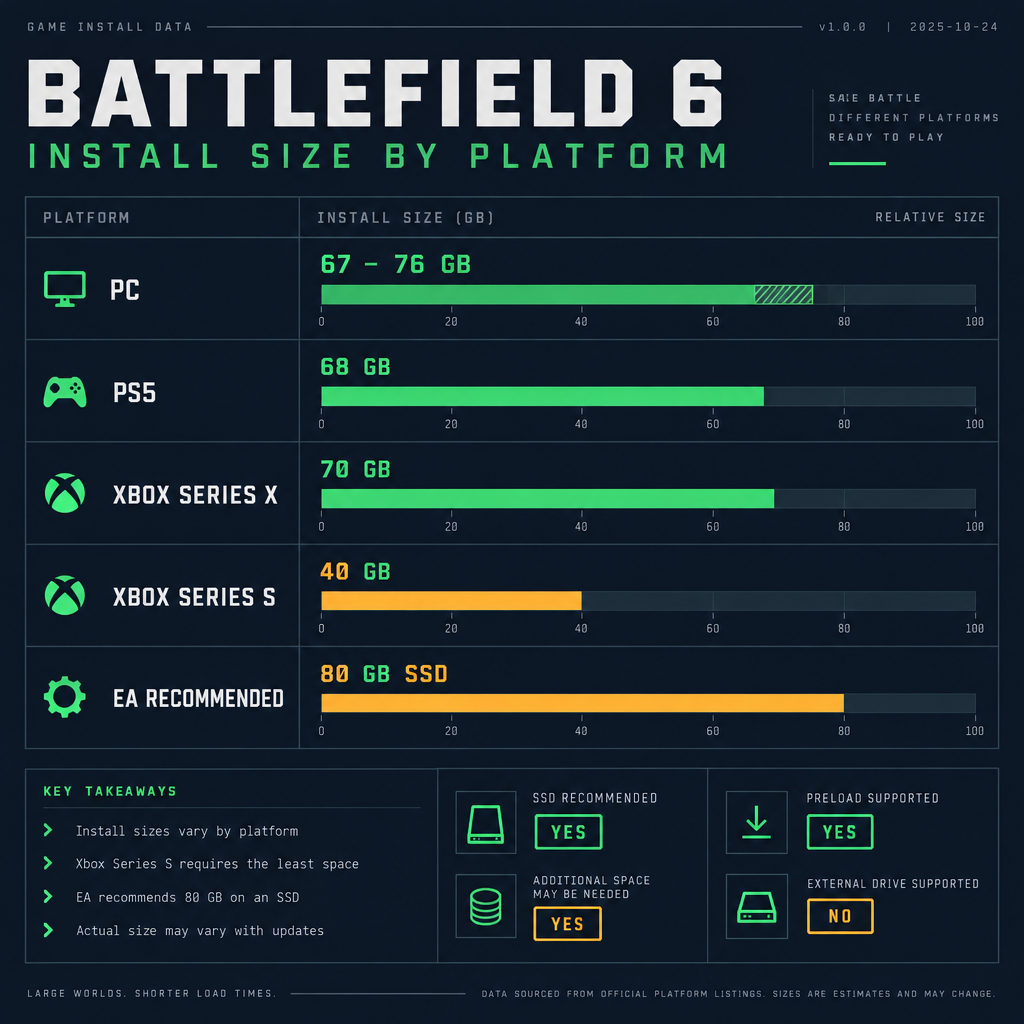
Battlefield 6 takes roughly 67 to 76 GB of storage on PC for a full install, around 68 GB on PS5, about 70 GB on Xbox Series X and about 40 GB on Xbox Series S at launch, with seasonal updates pushing the total higher since October 2025. EA lists 55 GB as the minimum PC storage requirement, which is a spec floor rather than the actual install size, and recommends 80 GB of SSD space to cover updates. Here is what each platform needs as of October 2026.
Battlefield 6 download size by platform
The install is close in size across PC, PS5 and Xbox Series X because they share the same maps, modes and core assets. Series S comes in smaller mainly because it skips the highest-resolution texture tier.
| Platform | Install size (launch, October 2025) | Store listing | Storage type |
|---|---|---|---|
| PC (Steam, EA App, Epic Games Store) | ~67 to 76 GB (full install) | 55 GB minimum, 80 GB recommended, 90 GB ultra | HDD works at minimum; SSD recommended |
| PlayStation 5 | ~68 GB | Shown on the PS Store product page | Internal SSD or M.2 expansion |
| Xbox Series X and Series S | ~70 GB (Series X), ~40 GB (Series S) | Shown on the Xbox Store product page | Internal SSD or Storage Expansion Card |
| Last-gen consoles (PS4, Xbox One) | Not available | Game is current-gen and PC only | n/a |
Two things change these numbers over time. Every season drops new maps, weapons and modes into the shared client, and each patch replaces files rather than simply appending them. Expect the live figure on your store page to sit several GB above the launch size, which is why EA’s 80 GB recommendation is the number to plan around rather than the 55 GB floor.
Battlefield REDSEC, the free-to-play battle royale that launched on 28 October 2025, shares the same install. If you own the full game you do not download a separate client for it, and if you only install REDSEC you still pull down most of the same assets.
How many GB is Battlefield 6 on PC
On PC the answer depends on which spec tier you are aiming for. EA publishes three storage figures, and they are tied to the rest of the requirements rather than being separate downloads. The game installs the same files whether your card is an RTX 2060 or an RTX 4080; the larger numbers simply leave room for patches, shader caches and the high-resolution texture settings you will actually use.
| Tier | Storage | OS | CPU | GPU | RAM | Target |
|---|---|---|---|---|---|---|
| Minimum | 55 GB (HDD supported) | Windows 10 | Intel Core i5-8400 or AMD Ryzen 5 2600 | NVIDIA RTX 2060, AMD RX 5600 XT or Intel Arc A380 | 16 GB | 1080p, 30 fps, low |
| Recommended | 80 GB SSD | Windows 11 | Intel Core i7-10700 or AMD Ryzen 7 3700X | NVIDIA RTX 3060 Ti, AMD RX 6600 XT or Intel Arc B580 | 16 GB | 1440p, 60 fps, high |
| Ultra | 90 GB SSD | Windows 11 | Intel Core i9-12900K or AMD Ryzen 7 7800X3D | NVIDIA RTX 4080 or AMD RX 7900 XTX | 32 GB | 4K, 60 fps, ultra |
Steam reserves the full download space before it begins writing, so you need the listed amount free on the target drive even if the compressed download is smaller. The EA App and Epic Games Store do the same.
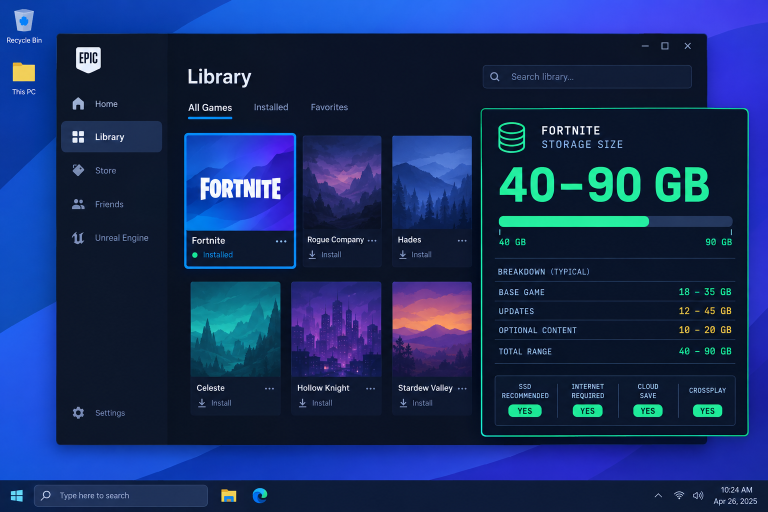
Beyond storage, two PC requirements catch people out. Battlefield 6 uses EA’s Javelin anticheat, which requires Secure Boot to be enabled in your UEFI and TPM 2.0 to be active. Neither affects file size, but the game will refuse to launch until both are on, so check them before the download finishes rather than after. If you are tidying a drive to make room, it helps to know what else is sitting there; the “fortnite pc storage requirements” on this site show how much a comparable live-service shooter grows after a few seasons.
How to check your current install size
- Steam: right-click Battlefield 6 in your Library, choose Properties, then Installed Files.
- EA App: open My Collection, click the three-dot menu on the game tile, then View Properties.
- PS5: go to Settings, Storage, Console Storage, Games and Apps, and find Battlefield 6.
- Xbox: open My Games and Apps, highlight Battlefield 6, press Menu, then Manage Game and Add-ons.
How many GB is Battlefield 6 on PS5
The PS5 version landed at about 68 GB when preloads opened on 8 October 2025, two days before the “battlefield 6 release time“. That is the full game, including the single-player campaign, all launch multiplayer maps and the Portal mode.
PS5 shows the figure before you confirm a download, and it warns you if you lack space. The game runs from the internal SSD or an M.2 expansion drive; you cannot play it from an external USB drive, though you can park it there and move it back later in a few minutes. A base PS5 with its 825 GB drive leaves around 667 GB usable, so Battlefield 6 takes roughly a tenth of that.
How many GB is Battlefield 6 on Xbox
Xbox Series X and Series S share a single store listing, with the Series X build at roughly 70 GB at launch. Series S pulls a smaller package of about 40 GB because it skips the highest-resolution texture tier. Both consoles need the game on the internal SSD or an official Storage Expansion Card; Microsoft’s velocity architecture does not allow current-gen titles to run from USB storage.
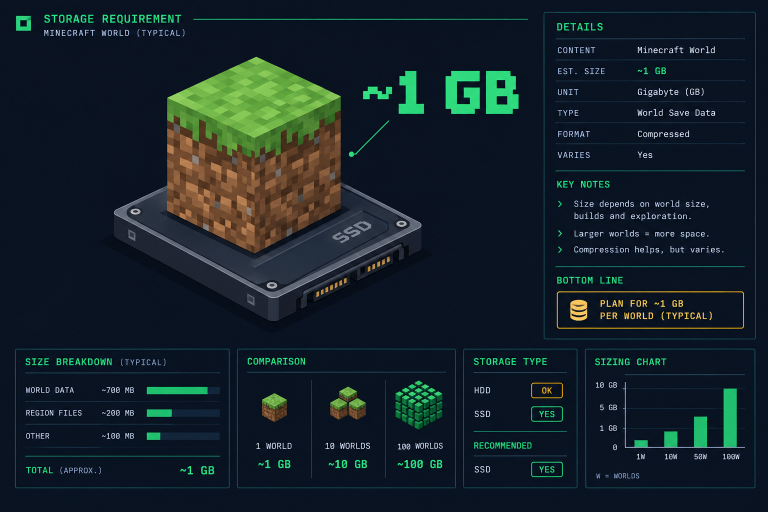
On a Series S with its 512 GB drive and about 364 GB usable, the game is a noticeable chunk, so if you also keep large titles installed you may need to shuffle. For comparison, smaller games such as Minecraft barely register; our page on “many gb is minecraft” shows the gap between a 1 GB install and a 70 GB one.
Good to know
Battlefield 6 supports cross-platform gaming across PS5, Xbox and PC, and EA Play Pro members on PC can install it without buying it outright. If you plan to play on more than one platform, budget the full install for each; progression carries over with your EA account, but files do not.
How to make room if you are short on space
A patch cannot install unless the console or client has room to stage the new files alongside the old ones, so you often need more free space than the patch size itself. Keeping about 15 GB spare on top of the install avoids failed updates on season launch day.
- Delete old shader caches on PC (Steam, Settings, Downloads, Clear Download Cache).
- On PS5, move games you are not playing to USB storage and bring them back when you want them.
- On Xbox, use the Shrink option for games that support it, then reinstall Battlefield 6’s add-ons later if needed.
- Uninstall the open beta client if it is still on your drive from August 2025; it is a separate app and does not share files with the full game.
FAQ
Is Battlefield 6 bigger than Battlefield 2042?
Not at launch. Battlefield 2042 shipped at about 100 GB on PC and grew from there, while Battlefield 6 landed closer to 67 to 76 GB thanks to tighter asset packaging. Both grow with seasons, so the gap narrows over time.
Does the campaign add to the download?
It depends on the platform. On consoles the single-player campaign is included in the base install. On PC the install is modular: you can choose the base game, multiplayer only, single-player only, or a combination, with optional HD texture packs, so skipping the campaign or installing only multiplayer trims the download.
Can I install Battlefield 6 on an HDD?
Yes, but only at the minimum spec. EA supports HDDs for the 55 GB minimum tier and requires an SSD for recommended and ultra. Expect long load times and texture pop-in on a mechanical drive.
How big are season updates?
EA does not publish a fixed figure, and each season patch varies with the number of maps and modes it adds. Keep the full 80 GB EA recommends free on PC, and around 15 GB of headroom on consoles, so updates can stage without failing.
Do I need to download Battlefield 6 again for REDSEC?
No. REDSEC lives inside the same client. Owners of the full game already have it, and free REDSEC players who later buy Battlefield 6 only download the extra campaign and multiplayer data rather than the whole game.
About the Author