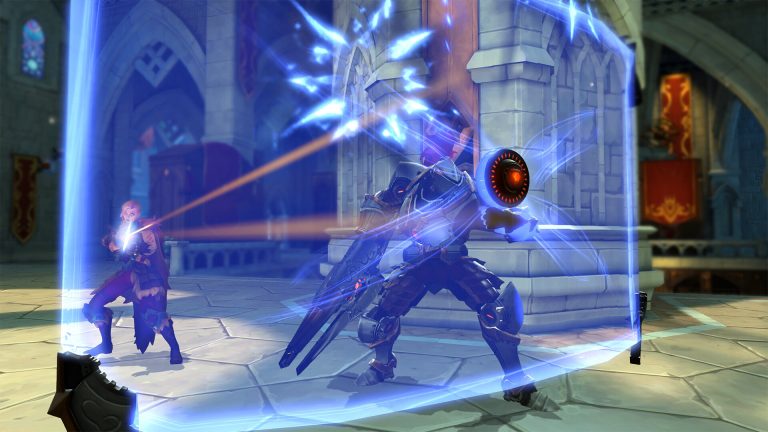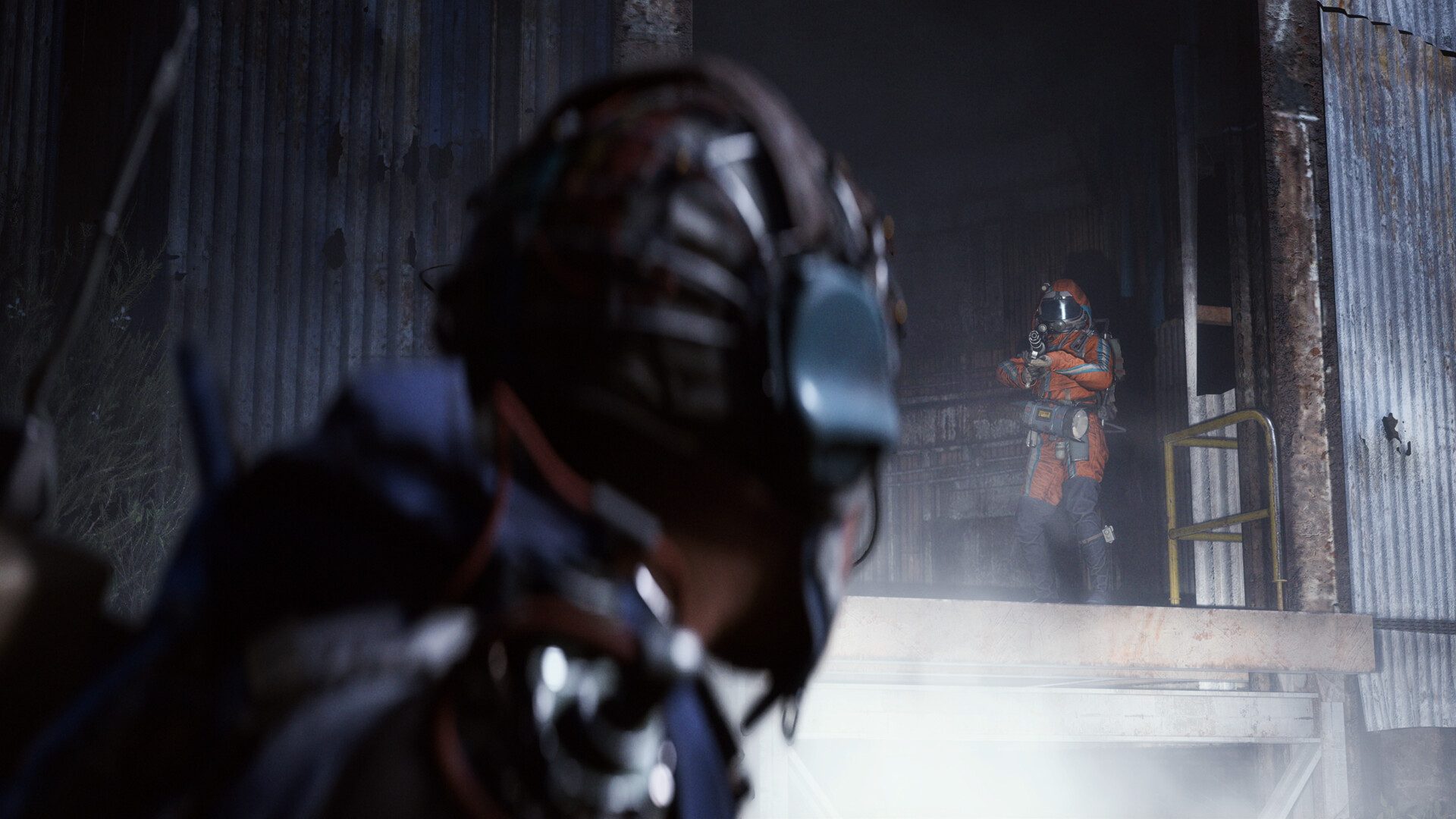
ARC Raiders screenshot
Last checked:
Yes, Arc Raiders has full crossplay between PC, PS5 and Xbox Series X|S, and it is on by default with an in-game toggle to turn it off. With crossplay on, every raid pulls from a single matchmaking pool, so you will meet players from all three platforms in the same lobby. The data on this page applies as of October 2026.
Which platforms play together
Embark Studios launched Arc Raiders on 30 October 2025 on three platforms, and all three have shared matchmaking from day one. With crossplay on, there is no separate console pool and no PC-only pool.
| Platform | Storefront | Crossplay with | Cross-progression | Notes (as of October 2026) |
|---|---|---|---|---|
| PC | Steam, Epic Games Store | PS5, Xbox Series X|S | Yes | Steam and Epic players share the same servers |
| PS5 | PlayStation Store | PC, Xbox Series X|S | Yes | PS Plus required for online play |
| Xbox Series X|S | Xbox Store | PC, PS5 | Yes | Game Pass Core or higher required for online play |
| PS4 / Xbox One | Not available | n/a | n/a | No last-gen version exists |
| Nintendo Switch / Switch 2 | Not available | n/a | n/a | No version announced or confirmed |
The short version: if your friend owns Arc Raiders on any of the three supported platforms, you can squad up. Which store you bought it from makes no difference.
How crossplay works in Arc Raiders
Arc Raiders is a PvPvE extraction shooter. You drop into a map with other Raiders, fight or avoid ARC machines, loot, and try to extract. Because the game depends on a healthy population spread across its maps, Embark built it around one shared pool rather than splitting players by platform.
That design has three practical consequences you should know about before you queue.
There are no console-only lobbies. Some shooters let PS5 and Xbox players opt out of facing PC while still playing each other. Arc Raiders does not offer that. You can disable crossplay in the settings, but that puts you in a platform-only queue (PS5 with PS5 only, for example) with very long wait times. With crossplay on, a PS5 player on a controller will share raids with PC players on mouse and keyboard.
Matchmaking filters by input device by default. The game groups controller players with other controller players and mouse and keyboard players with each other. Mixed-input squads are placed in mixed lobbies, and you can disable the setting in the options. Controller players get aim assist on every platform, including PC, to narrow the gap.
Squads are limited to three. You can run solo, as a duo, or as a trio. A squad can mix platforms freely: one PC player, one PS5 player and one Xbox player is a valid trio.
What you need before you can play together
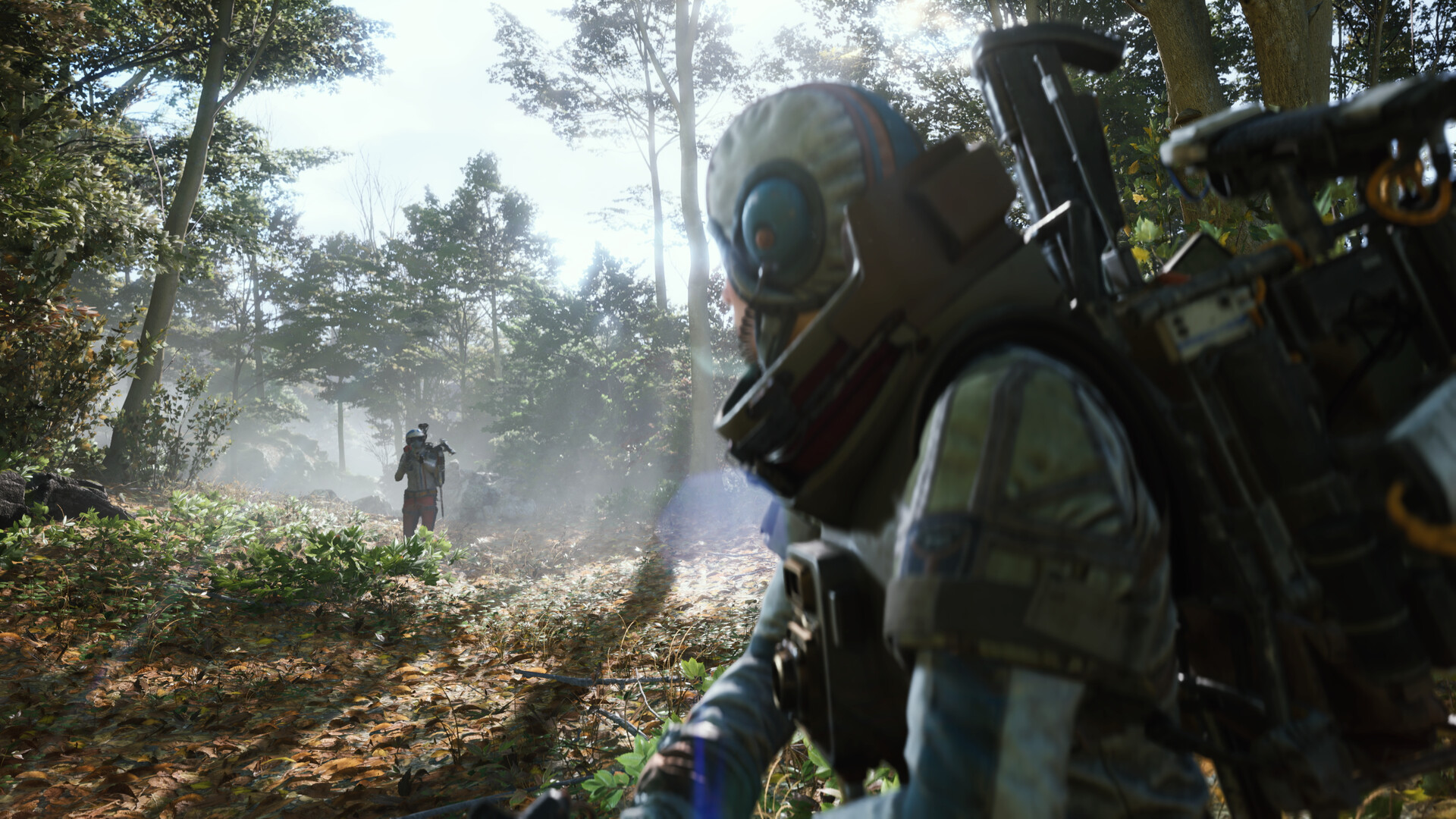
Crossplay itself needs no setup, but inviting a friend on another platform does. Make sure you have each of these ready.
- A copy of Arc Raiders on each platform. The game costs $39.99 for the standard edition as of October 2026. Buying it on PC does not give you a PS5 or Xbox copy.
- An Embark ID. This is the account Embark Studios uses across its games. You create it or sign in during first launch, and it is what links your progress and your friends list across platforms.
- Your friend’s full Embark ID, including the number tag. It looks like a display name followed by a hash and digits. The tag matters, because display names are not unique.
- An active online subscription on console. PS5 needs PlayStation Plus. Xbox Series X|S needs Game Pass Core, Standard or Ultimate. PC players need nothing beyond the game.
- The same game version on both ends. Patches go live across platforms at the same time, but consoles sometimes need a manual check for updates before the new build shows up.
Both PC storefronts share the same version and the same servers, so a Steam player and an Epic player can also squad up without any extra steps.
How to invite friends on other platforms
Platform friends lists do not cross over. Your PlayStation friends will not appear in the game on their own if they play on Xbox or PC. You use the in-game social menu and Embark IDs instead.
How to add and invite a cross-platform friend
- Launch Arc Raiders and reach the Speranza hub menu.
- Open the Social tab from the main menu (the friends icon on the right side of the screen).
- Select Add Friend and type your friend’s full Embark ID, including the hash and number tag.
- Send the request and ask your friend to accept it from their own Social tab.
- Once accepted, highlight their name and choose Invite to Squad.
- Your friend accepts the invite and appears in your squad slot, with their platform shown next to their name.
- Ready up and queue for a raid together.
If your friend is on the same platform as you, the game also surfaces your platform friends list inside the Social tab, so you can invite them directly without an Embark ID. For anyone on a different platform, the Embark ID route is the only way.
Finding your own Embark ID
Open the Social tab and look at the top of the panel. Your display name and tag sit there, and you can copy it or read it out to a friend. If you want to change the name, you do that from the Embark account website, not from inside the game.
Joining a friend’s squad instead of inviting
The process works in both directions. If a friend already has a squad open, highlight their name in the Social tab and choose Join. You will drop into their lobby as long as they have a free slot.
Can you turn crossplay off?
Yes. Arc Raiders has a crossplay toggle in its settings menu (under the Gameplay or Social tab), and it has been there since launch. Turning it off restricts matchmaking to your own platform, so a PS5 player only meets other PS5 players, but queue times become very long. There is no option that keeps PS5 and Xbox together while excluding PC.
Crossplay is on by default for a reason. Embark has said the game is built around one population so that raids stay full in every region at every hour. Splitting the pool thins out the maps, makes queues longer, and leaves fewer live players for the game’s loot and extraction loop to work with.
What about console system settings?
Both PS5 and Xbox have a system-level setting that tells games whether you want to play with people on other networks. On PS5 it lives under Settings, Users and Accounts, Privacy. On Xbox it sits under Privacy and online safety, then Xbox privacy, with an option labelled “You can join cross-network play.”
Some games respect these settings and quietly restrict you to your own platform. Others refuse to connect online at all if cross-network play is blocked. Arc Raiders falls into the first group: blocking cross-network play at the system level forcefully prevents all cross-platform matchmaking, leaving you in the same platform-only queue that the in-game toggle gives you, with the same long wait times. The in-game setting is the simpler way to get there.
If you want to test it, do it before a session with friends rather than during one, because changing the setting usually needs a full game restart to take effect.
Cross-progression: one Embark ID, one Raider
Crossplay and cross-progression are different features, and Arc Raiders has both. Your progress is tied to your Embark ID rather than to the platform you play on.
| What carries over (as of October 2026) | Status |
|---|---|
| Character level and skill progression | Yes |
| Stash, inventory and workbench upgrades | Yes |
| Cosmetics and premium currency purchased in-game | Yes |
| Quest and trader progress | Yes |
| Embark ID friends list | Yes |
| The game licence itself | No, bought per platform |
| Platform-specific pre-order or edition bonuses | Linked to Embark ID once claimed |
So if you play on PC during the week and on PS5 at the weekend, you log into the same Embark ID on both and your Raider is identical in each place. The one thing you need to buy twice is the game.
Make sure you link the same Embark ID on every platform. If you accidentally create a second account on your console, you will end up with two separate Raiders and no way to merge them. Embark does not support account merging.
Controller versus mouse in a shared pool
Input-based matchmaking is on by default, but mixed-input squads land in mixed lobbies and the setting can be turned off, so the question most console players ask is how fair the mixed pool feels. Here is how the game handles it.
Controller players receive aim assist regardless of platform. PC players who plug in a controller get the same assist as a PS5 or Xbox player. Mouse and keyboard users get none. The game does not display which input a player is using, only their platform icon in the squad list.
Arc Raiders is not a twitch shooter in the way most arena games are. Time to kill is long, ARC machines pressure both sides equally, and a lot of fights are decided by positioning, gear and who decides to extract first. That design softens the mouse advantage compared with faster shooters, though it does not erase it in a straight close-range duel.
If you are on console and want to level the field, PS5 and Xbox Series X|S both support mouse and keyboard in Arc Raiders. Plug one in and the game switches input automatically.
Voice chat across platforms
Arc Raiders has built-in voice chat, and it works across all three platforms. There are two layers.
- Squad chat connects you to your own trio from the lobby onward.
- Proximity chat lets you hear and speak to nearby Raiders inside a raid, including strangers on other platforms. This is how most of the game’s player-to-player negotiation happens.
Platform party systems do not cross over. A PlayStation party chat will not include your Xbox friend, and an Xbox party will not include a PC friend. For a mixed squad, either use the in-game squad voice or run a third-party app like Discord alongside the game. Most mixed squads use Discord for squad talk and leave in-game proximity chat on so they can still hear other Raiders.
You can mute individual players from the in-game social panel. Mutes apply across platforms, and reporting also works for players on any platform.
Common problems and how to fix them
Crossplay in Arc Raiders rarely breaks, but invites and friend requests do go wrong. These are the usual causes.
Friend request never arrives
Nine times out of ten the tag is wrong. Embark IDs include a hash and a number, and display names repeat across the player base. Ask your friend to read the full ID from their Social tab rather than from memory. Check that neither of you has friend requests disabled in the Embark account privacy settings.
Invite shows but the Join button is greyed out
This usually means one of you is on an older build. Close the game on the console side, check for updates in the system menu, and relaunch. It can also happen when the squad is already full, so count the slots before you troubleshoot further.
Friend appears offline when they are in the game
Presence can lag by a minute or two after login. If it persists, both players should back out to the Speranza menu rather than sitting in a queue, since presence sometimes does not refresh while matchmaking is active.
Can’t hear a squadmate on another platform
Check the in-game voice settings first, since squad voice and proximity voice have separate volume sliders. On console, also confirm the system-level privacy setting for voice with other networks allows it. If your squad is using a platform party chat, your cross-platform friend simply is not in it.
Progress missing after switching platforms
You are almost certainly signed into a different Embark ID. Open the Social tab on each platform and compare the name and tag at the top. If they differ, sign out and link the correct account. Do not keep playing on the wrong one, because any progress made there cannot be transferred later.
What a working setup looks like
When everything is in place, this is what you should see.
In the Speranza lobby, your friend’s name sits in one of the two squad slots next to yours, with a small platform icon showing PC, PlayStation or Xbox. Squad voice is active before you queue. When you ready up, matchmaking searches as a single group and drops all of you into the same raid, at the same spawn, with the same extraction timer. Nothing in the raid itself behaves differently because of mixed platforms. Loot, ARC encounters and other players are shared.
If you can see the platform icon and talk to each other in the lobby, crossplay is working. You do not need to touch any further setting.
Good to know
Add your regular squad by Embark ID even if you are all on the same platform today. If one of you later switches to PC or picks up a console, the friendship already works across platforms and nobody has to re-add anyone.
Pros and cons of a single shared pool
Because opting out means very long queues, it is worth understanding what the default shared pool gives you and what it costs.
What you gain
- Fast queues in every region, including off-peak hours, because every platform feeds the same pool.
- Full raids. The extraction loop needs other Raiders on the map to create risk, and a thin pool would make maps feel empty.
- Freedom to play with any friend who owns the game, with no planning around who bought it where.
- One Raider across every device you own, since cross-progression rides on the same account system.
What you give up
- No console-only option. Disabling crossplay gives you a platform-only queue with very long waits, not a PS5 and Xbox pool that excludes PC.
- Input-based matchmaking is on by default, but mixed-input squads land in mixed lobbies where the aim assist balance is the main lever.
- Platform party chat does not reach across platforms, so mixed squads lean on in-game voice or Discord.
Embark has treated the shared pool as a core design decision rather than a launch convenience, so none of this is likely to change without a notable shift in the game’s direction.
How Arc Raiders compares with The Finals
The Finals, Embark’s earlier shooter, uses the same Embark ID system and also runs crossplay across PC, PS5 and Xbox Series X|S. Both games ship with a crossplay toggle in their settings menus. The main difference is how practical that toggle is to use.
The reason comes down to format. The Finals is a round-based arena game that can still fill matches from a single platform in busy regions. Arc Raiders needs a large, steady population spread across several large maps for its extraction loop to work, so turning the toggle off leaves you in a sparse platform-only queue with very long waits. If you are coming from The Finals and expecting the same experience, the option is there but it is far less practical.
FAQ
Can I play Arc Raiders on PC and Xbox?
Yes. PC and Xbox Series X|S players share the same matchmaking pool and can squad up together. Add each other by Embark ID in the Social tab, send an invite, and you can queue as a duo or trio. This works for both Steam and Epic Games Store copies of the PC version.
Can I play Arc Raiders on PC and PS5 with the same account?
Yes. Your Raider, stash, cosmetics and progression are tied to your Embark ID, so signing into the same ID on PC and PS5 gives you the same character in both places. You do need to own the game separately on each platform, since the licence does not carry over. Only in-game progress and purchases do.
Is ARK crossplay between PS5 and Xbox?
That question is about a different game. ARK: Survival Ascended, the Unreal Engine 5 remake from Studio Wildcard, supports crossplay between PS5, Xbox Series X|S and PC on official servers. The older ARK: Survival Evolved only has crossplay between Xbox and the Microsoft Store PC version, with PlayStation players kept separate. Arc Raiders, the Embark Studios extraction shooter, has full crossplay across all three of its platforms.
Can PC players and PS5 players play together?
Yes. PC and PS5 players meet in the same raids by default, and they can form a squad through the in-game Social menu using Embark IDs. The PS5 player needs an active PlayStation Plus subscription for online play. Platform friends lists do not cross over, so the Embark ID step is required.
Is Arc Raiders cross platform on Switch?
No. There is no Nintendo Switch or Switch 2 version of Arc Raiders as of October 2026, and Embark has not announced one. The three supported platforms are PC, PS5 and Xbox Series X|S.
Does Arc Raiders have input-based matchmaking?
Yes, by default. Controller players are grouped with other controller players and mouse users with other mouse users, mixed-input squads go into mixed lobbies, and the setting can be disabled in the options. The game applies aim assist to controller users on every platform, including PC.
Can I turn off crossplay to avoid PC players?
Yes. Arc Raiders has a crossplay toggle in its settings menu, and turning it off puts you in a platform-only queue, though wait times become very long. There is no console-only pool that keeps PS5 and Xbox together while excluding PC. Blocking cross-network play in your console system settings also forcefully prevents cross-platform matchmaking, with the same platform-only result.
About the Author