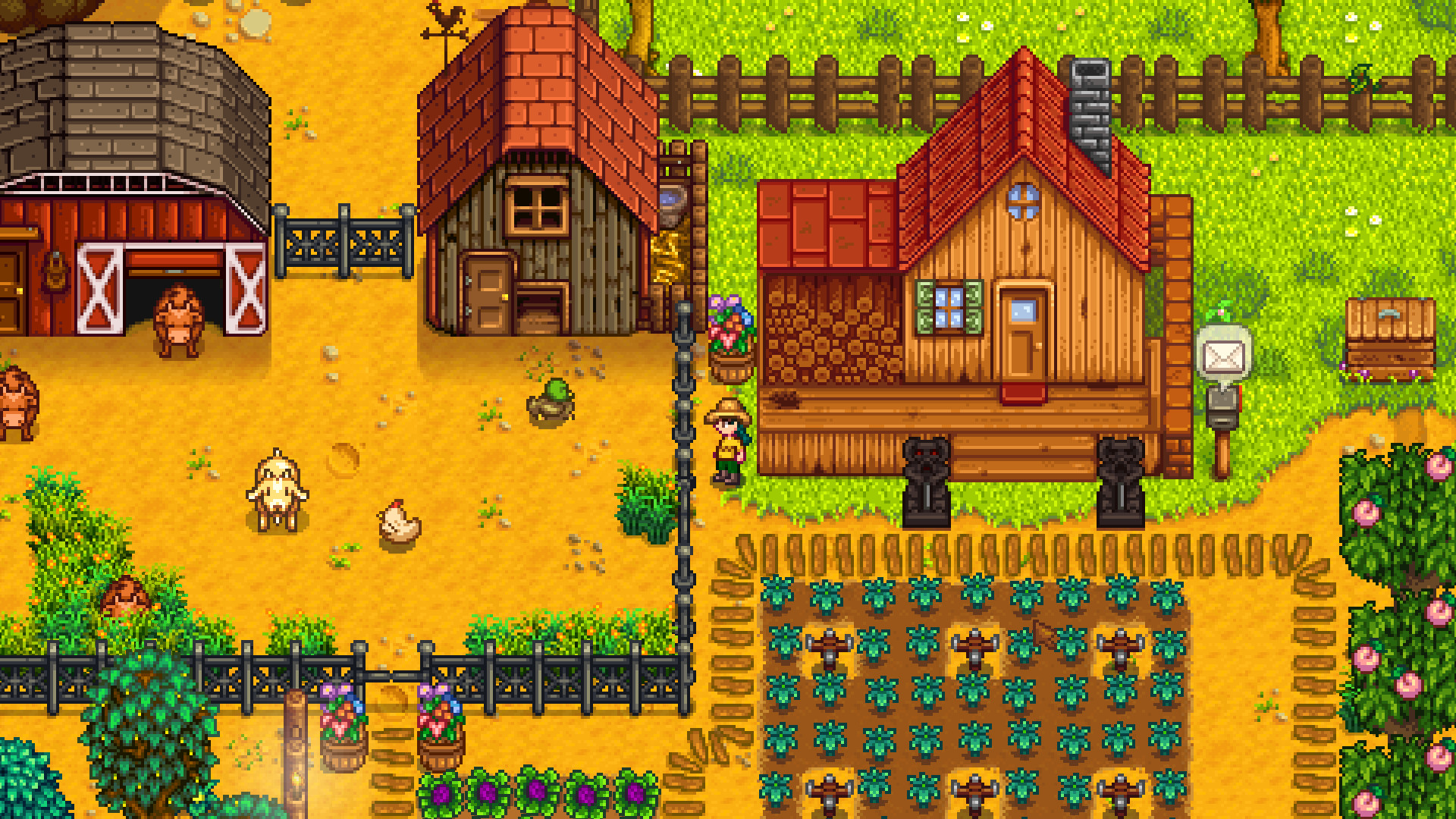
Stardew Valley screenshot
Last checked:
No, Stardew Valley is not cross platform between Xbox, PlayStation, Nintendo Switch and mobile. Crossplay only works inside two groups: PC players on Windows, Mac and Linux (Steam and GOG together), and mobile players on iOS and Android with each other. A console farm can only host and join other players on the same console family.
Who can play with whom
The table below shows every pairing. Read your platform in the left column, then check the row. Data applies to the 1.6 version of the game on every platform as of October 2026.
| Your platform | Can play with | Cannot play with |
|---|---|---|
| PC (Steam, Windows) | Steam and GOG players on Windows, Mac, Linux, Steam Deck | Xbox, PlayStation, Switch, iOS, Android |
| PC (GOG, Windows/Mac/Linux) | Steam and GOG players on any PC operating system | Xbox, PlayStation, Switch, iOS, Android |
| Mac and Linux (Steam or GOG) | All other PC players, including Steam Deck | All consoles and mobile |
| Xbox One, Xbox Series X and S | Other Xbox players only | PC, PlayStation, Switch, mobile |
| PS4, PS5 | Other PlayStation players only | PC, Xbox, Switch, mobile |
| Nintendo Switch, Switch 2 | Other Switch family players only | PC, Xbox, PlayStation, mobile |
| iOS (iPhone, iPad) | Android and other iOS players | PC and all consoles |
| Android | iOS and other Android players | PC and all consoles |
Two details matter here. First, Steam and GOG are not separate pools. A Steam player on Windows can host a farm and a GOG player on Linux can join it through an invite code. Second, Xbox Series X and PS5 run the previous-generation version of the game through backward compatibility, so they sit inside the Xbox or PlayStation pool rather than forming a new one.
Crossplay vs cross-platform vs cross-save
People use these three terms as if they mean the same thing, and for Stardew Valley the answers are different for each.
Crossplay means two people on different hardware join the same online session. Stardew Valley has this only inside the PC group and the mobile group. If you want the broad version of this idea, where PC, PlayStation and Xbox all share one lobby, that is how “cross-platform gaming” works in titles like Fortnite or Helldivers 2. Stardew Valley was never built that way.
Cross-platform availability just means the game is sold on many systems. Stardew Valley is on Windows, Mac, Linux, Xbox, PlayStation, Switch, iOS and Android, so it is cross-platform in this weaker sense. Buying it on one store does not unlock it on another.
Cross-save means your farm follows your account between devices automatically. Stardew Valley has no official version of this. You can move save files by hand between PC and mobile, which is covered further down, but there is no cloud sync tying a Switch farm to a PC farm.
Why consoles are walled off
ConcernedApe added online multiplayer to the PC version in August 2018 with update 1.3, and consoles received it in later releases of that update, with timing varying by platform. At the time he stated that cross-platform multiplayer between consoles and PC was not possible, and that position has not changed through the 1.5 update in 2020 and the 1.6 update in 2024.
The practical reasons are the usual ones for a small studio. Each console uses its own friend system, invite system and online service, and multiplayer in Stardew Valley rides on those native services rather than a custom server backend. Steam and GOG can talk to each other because both PC versions share the same invite code system. Consoles do not.
Mobile is a separate case. The 1.6 update reached iOS and Android on 4 November 2024 and brought multiplayer to phones for the first time. ConcernedApe confirmed at launch that mobile multiplayer is mobile-only. Phones and tablets can play with each other, but they cannot see PC or console farms. As of October 2026 there is no announcement of mobile-to-PC play, so treat it as not planned rather than coming soon.
Good to know
Steam Deck counts as a PC. A Deck running the Steam version joins and hosts farms with Windows, Mac, Linux and GOG players without any extra setup.
What you need before you start
Multiplayer in Stardew Valley is simple once the group is on the same platform, but a few requirements trip people up. Check this list before anyone creates a farm.
- Everyone must own a copy of the game on the same platform group (PC, Xbox, PlayStation, Switch or mobile).
- Everyone must run the same game version. A 1.6.15 host cannot take a 1.5 farmhand.
- The host needs a farm with enough cabins. Each extra player needs one cabin.
- Console online play needs the platform subscription: Xbox Game Pass Core, PlayStation Plus or Nintendo Switch Online.
- PC players who want to join by invite code need the game running and online. No subscription is required on PC or mobile.
- PC players who use mods need every farmhand to install the same content mods. SMAPI shows a mismatch warning when they differ.
- If the host plays on mobile, the farmhands must also be on iOS or Android.
Steam Family Sharing has one quirk worth knowing. A shared copy can join farms, but the account that owns the game cannot launch Stardew Valley at the same time, so two people in one household usually need two copies.
How to host a world
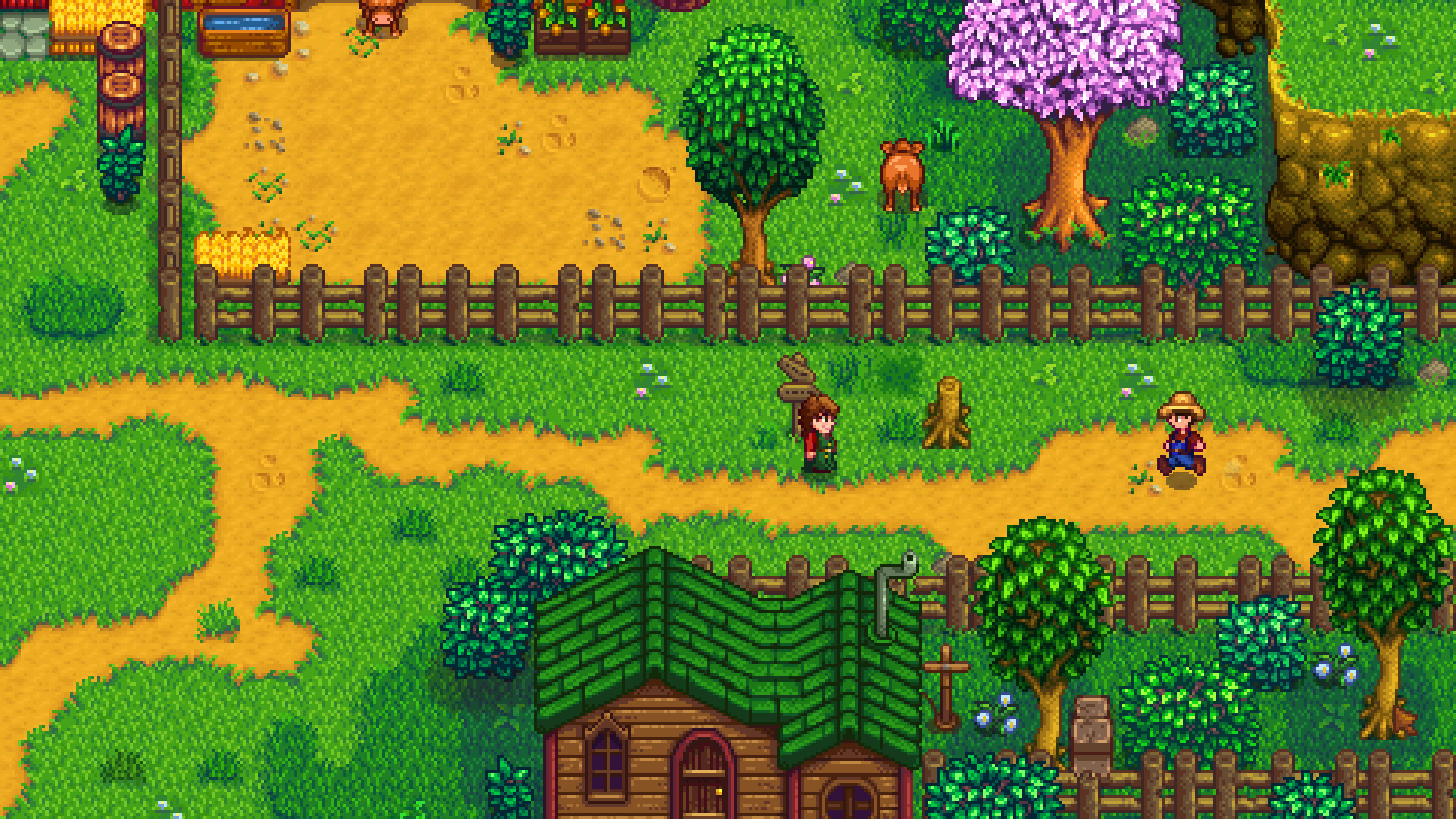
The host owns the save file. Whoever hosts needs to be online every time the group plays, because farmhands cannot load the farm without them. Pick the person with the most reliable schedule and connection.
On PC (Steam or GOG)
Host a new farm on PC
- Open the game and choose Co-op from the title screen, then Host.
- Pick Host New Farm, or Load to use an existing single-player save.
- Set Starting Cabins to the number of friends joining. Three cabins means a four-player farm.
- Choose Cabin Layout: Nearby for a cluster, Separate for spread out homes.
- Set Profit Margin and whether money is shared or separate, then start the farm.
- Once in the world, press Escape, open Options and scroll to Multiplayer.
- Set Server Mode to Friends Only or Invite Only.
- Click Show Invite Code, copy the code, and send it to your friends.
Steam players can skip the invite code and send a Steam friend invite instead, but the code is the only method that works when a GOG player wants to join a Steam host, or the reverse.
On a farm you already started in single player, you add cabins through Robin at the Carpenter’s Shop. Each cabin costs 100g plus a small stack of materials, such as 10 wood for a log cabin or 10 stone for a stone cabin, and Robin builds them instantly.
On Xbox, PlayStation and Switch
The flow is identical up to the invite step, with one difference: console hosts invite through the platform friends list rather than a code.
- Choose Co-op, then Host, and create or load a farm with enough cabins.
- In the game, open the menu and set Server Mode to Friends Only.
- Your console friends see the farm as joinable from their own Co-op menu, or you send an invite from the system friends list.
Switch adds a local wireless option for two or more consoles in the same room. That mode does not need a Nintendo Switch Online membership; online play across the internet does.
On iOS and Android
Mobile multiplayer arrived with the 1.6 update in November 2024. The host creates or loads a farm from the Co-op screen, sets up cabins the same way as on PC, and switches Server Mode on from the in-game options. Farmhands join from the Co-op screen on their own device. Both devices need the same game version. Internet joining through codes exists on mobile, but joining over the same Wi-Fi network is the most reliable method if a code fails.
How to join a world
Joining takes less than a minute once the host is set up. The method depends on your platform.
| Platform | Join method | Needs the host online | Subscription required |
|---|---|---|---|
| PC Steam | Steam friends list invite, or Enter Invite Code | Yes | No |
| PC GOG | Enter Invite Code, or GOG Galaxy friends | Yes | No |
| PC any version | Enter IP (for LAN or port-forwarded hosts) | Yes | No |
| Xbox | Xbox friends list or Co-op menu | Yes | Xbox Game Pass Core |
| PlayStation | PlayStation friends list or Co-op menu | Yes | PlayStation Plus |
| Switch and Switch 2 | Co-op menu online, or local wireless | Yes | Nintendo Switch Online for online play |
| iOS and Android | Co-op menu on the device | Yes | No |
Data as of October 2026.
On PC with an invite code
- Start the game and choose Co-op, then Join.
- Select Enter Invite Code at the bottom of the screen.
- Paste the code the host shared and press OK.
- Create your farmer and pick a cabin when prompted.
The Enter IP option works for a host on the same local network or one who forwarded port 24642 on their router. Most groups never need it; codes cover the normal case.
On consoles
- Make sure your subscription is active and you are signed in.
- Choose Co-op, then Join.
- Your friend’s farm appears in the list if their Server Mode is set to Friends Only. Select it.
- Alternatively accept the invite from your system notifications.
On mobile
- Open the game and choose Co-op, then Join.
- Select the host’s farm if it appears, or enter the code they sent.
- Create your farmer and claim a cabin.
Player limit by platform
The 1.6 update raised the ceiling on PC. Everywhere else the original four-player cap still applies.
| Platform | Maximum online players | Split-screen on one device | As of |
|---|---|---|---|
| PC (Steam, GOG) | 8 (set at farm creation; default 4) | Up to 4 | October 2026 |
| Xbox | 4 | Up to 4 | October 2026 |
| PlayStation | 4 | Up to 4 | October 2026 |
| Switch and Switch 2 | 4 | Up to 4 | October 2026 |
| iOS and Android | 4 | Not supported | October 2026 |
On PC the host chooses the limit when creating the farm. A farm made under 1.5 keeps a four-player cap unless you build more cabins through Robin after updating, which 1.6 allows up to the new maximum. The one host plus three farmhands layout remains the most common because the day timer, cutscenes and festival triggers were balanced around four people.
Split-screen was added in update 1.5 (December 2020 on PC, February 2021 on consoles). It lets up to four people share one screen on a PC or console, with each extra player joining by plugging in a controller. Split-screen players and online players can mix on the same farm as long as the total stays under the limit, and split-screen on Switch or Xbox does not need a subscription.
Moving a save between devices
There is no account-linked cloud save that spans platforms, but save files are plain folders, and ConcernedApe designed the PC and mobile versions to read the same format. Here is what works and what does not, as of October 2026.
| From | To | Works | How |
|---|---|---|---|
| Windows | Mac or Linux | Yes | Copy the save folder manually |
| Steam | GOG, same OS | Yes | Same save folder location, nothing to copy |
| PC | iOS or Android | Yes | Import the save folder through the device’s file system |
| iOS or Android | PC | Yes | Export the folder, paste into the PC saves location |
| Switch | PC or any other platform | No | No supported method |
| Xbox | PlayStation or PC | No | No supported method |
| Xbox One | Xbox Series X or S | Yes | Xbox cloud sync inside the same account |
| PS4 | PS5 | Yes | PlayStation cloud or USB inside the same account |
| Switch | Switch 2 | Yes | Nintendo system transfer or cloud backup |
On Windows the save folder lives at %AppData%StardewValleySaves. On Mac it is in ~/.config/StardewValley/Saves, and Linux uses the same path. Each farm is a folder named after the farmer and a number, such as Farmer_123456789, holding two files: a main save with that same name and a SaveGameInfo file. Copy the whole folder, not just one file.
Mobile import is the most common manual transfer. Android exposes the saves location through a file manager, and iOS lets you drop the folder into the Stardew Valley section of the Files app. The import only works if the PC save is on a version the mobile build can read, which is why the November 2024 mobile 1.6 release mattered so much: before it, 1.6 PC saves could not be loaded on phones.
Moving a save is not the same as crossplay. A friend on Switch cannot join your PC farm even if you both hold copies of the same save. The farm would be two separate forks from that point.
Common mistakes and how to fix them
Most “crossplay is broken” reports come down to one of the following.
The farm does not show in the Join list. The host left Server Mode on Offline. Ask them to open Options, scroll to Multiplayer and set it to Friends Only or Invite Only. On console, both players also need to be friends on the platform.
Invite code says the game is unavailable. The host closed the game or went to the title screen. The code is only valid while the host is in the world. A new code is generated each session, so an old screenshot will not work.
Version mismatch error. One player is behind on updates. On Steam, right-click the game, open Properties, go to Updates and force a check. On consoles, check for updates from the home screen tile. Everyone needs the same build; a 1.6 host and a 1.5 farmhand cannot connect.
Mod mismatch on PC. SMAPI lists the mods the host has that you do not, and the reverse. Content mods that add items, maps or NPCs must match. Pure UI or quality-of-life mods on the farmhand side usually cause no problem. If in doubt, run an unmodded game through the vanilla launcher.
Cannot find a cabin to move into. The farm has fewer cabins than players. The host visits Robin, picks Construct Farm Buildings and builds another cabin for 100g plus materials. Robin finishes it immediately, and the next joiner can claim it.
Xbox or PlayStation farm appears but will not join. The subscription lapsed. Online multiplayer on Xbox needs Game Pass Core, PlayStation needs PlayStation Plus. Split-screen on the same console does not.
Switch friends cannot see each other. Switch online farms require both players on Nintendo Switch Online with the friend added through friend codes. For couch play, use Local Communication instead; it skips the subscription entirely.
Mobile farmhand sees the host, then drops. Phone power saving suspended the game in the background. Keep both devices awake and on the same Wi-Fi band where possible. Mobile sessions are more sensitive to background interruptions than PC sessions.
Trying to join a PC farm from a phone. This never works. Mobile multiplayer is mobile-only by design. The fix is to agree on one platform group before anyone buys the game.
What a working session looks like
When everything is set up correctly, the farmhand loads into the host’s world at the entrance of their cabin, sees the same day and season as the host, and shares the same world state. Money is pooled by default, or split per player if the host chose Separate Wallets at creation. The clock only moves forward when every player is ready, which is why the game pauses while someone is in a menu, a cutscene or asleep waiting on others.
Each farmhand has their own inventory, skills, relationships and marriage candidate. Players can even marry each other on PC and consoles by crafting a Wedding Ring, which was added in 1.3 alongside multiplayer. Festivals wait at the entrance until everyone arrives, and the day ends when everyone is in bed.
On PC you can confirm the connection is live with the chat box. Press T, type a message, and every connected player sees it instantly. If a message sits unsent, the farmhand has already dropped.
Platform notes and edge cases
A few platform-specific details come up often enough to cover here.
PS5 and Xbox Series. Both run the PS4 or Xbox One build through backward compatibility. That means a PS5 owner and a PS4 owner play together with no issue, and the same holds across the two Xbox generations. The current-gen consoles add faster loading, but the game version, player cap and features are identical.
Nintendo Switch 2. Stardew Valley runs on Switch 2 through backward compatibility with the Switch version. Switch 2 players join Switch farms and vice versa because it is the same build. A dedicated Nintendo Switch 2 Edition was confirmed and launched digitally on 25 December 2025 in North America and 6 March 2026 in Europe, and a physical edition was announced in August 2026.
Linux and Steam Deck. The Linux build is a first-class version, not a compatibility layer, and it has had multiplayer parity with Windows since 2018. Steam Deck installs the Linux build by default and reaches a Verified rating on Steam.
Mac. Macs with Apple silicon run the game natively. Mac and Windows players use the same invite code system, and save files copy between the two without conversion.
PlayStation Vita. The Vita port never received multiplayer, and the game is no longer sold on the PlayStation Store for that system. It is single-player only.
GOG without Galaxy. You can play offline through the plain GOG installer, but invite codes and friend invites need GOG Galaxy running. Install Galaxy if you plan to host or join.
How Stardew compares to other games
Readers searching this query often expect the Fortnite model, where one account plays everywhere and lobbies mix every platform. “Crossplay on Fortnite” works because Epic runs its own account system and servers. Stardew Valley is a one-developer game that leans on each platform’s built-in networking, which keeps it cheap and offline-friendly but rules out that kind of cross-pool play.
Newer co-op and extraction titles like Arc Raiders ship with full PC, PS5 and Xbox crossplay from day one because they are built around a central server. If you want to compare the models, our piece on “arc raiders crossplay” shows the other end of the design spectrum: everyone in one pool, with cross-progression attached. Stardew Valley is the opposite, a peer-hosted game where the host’s machine is the server. That design is also why the host must stay online for the farm to exist.
Timeline of multiplayer features
| Date | Platform | Change |
|---|---|---|
| 1 August 2018 | PC | Update 1.3 adds online multiplayer with cabins, up to 4 players |
| 12 December 2018 | Switch | Online and local wireless multiplayer added |
| 14 December 2018 | Xbox One, PS4 | Online multiplayer added |
| 21 December 2020 | PC | Update 1.5 adds split-screen, up to 4 players on one screen |
| 23 February 2021 | Xbox, PlayStation, Switch | 1.5 and split-screen arrive on consoles |
| 19 March 2024 | PC | Update 1.6 raises the PC player cap to 8 |
| 4 November 2024 | Xbox, PlayStation, Switch, iOS, Android | 1.6 arrives; mobile gains multiplayer, mobile-only |
Dates refer to the first public release on each platform.
FAQ
Is Stardew Valley crossplay between Xbox and PC?
No. Xbox players can only host and join farms with other Xbox players, including across Xbox One and Xbox Series consoles. PC players on Steam and GOG can only play with other PC players. There is no shared pool between the two as of October 2026.
Is Stardew Valley cross platform between Switch and PC?
No. Switch and Switch 2 players share one pool, and PC players share another. The only way to use a Switch farm on PC is to start a fresh farm, because saves cannot be transferred out of the Switch either.
Can PlayStation and Xbox players play Stardew Valley together?
No. Each console family runs its own multiplayer through its own friend system, and the game does not bridge them. A PS5 and a PS4 can play together, and an Xbox Series X and an Xbox One can play together, but PlayStation and Xbox cannot mix.
Can iPhone and Android play Stardew Valley together?
Yes. Since the mobile 1.6 update on 4 November 2024, iOS and Android devices can host and join each other’s farms. Both need the same game version, and neither can connect to PC or console farms.
Can Steam and GOG players play together?
Yes. The Steam and GOG versions use the same invite code system. The host opens Options, picks Show Invite Code under the Multiplayer heading, and the other player enters it under Co-op, Join, Enter Invite Code. This works across Windows, Mac and Linux.
Does Stardew Valley have cross-save?
Not officially. You can copy save folders by hand between Windows, Mac and Linux, and between PC and mobile in both directions. Console saves stay inside their own ecosystem, so a Switch or Xbox farm cannot move to PC.
How many players can join one farm?
Up to 8 on PC when the host sets the limit at farm creation under version 1.6, and up to 4 on Xbox, PlayStation, Switch and mobile. The host plus three farmhands remains the default on every platform.
Do I need PlayStation Plus, Game Pass Core or Switch Online?
Yes for online multiplayer on each of those consoles. Local split-screen on a single console and local wireless on Switch do not need a subscription. PC and mobile online multiplayer have no subscription requirement.
Will Stardew Valley add console crossplay later?
ConcernedApe has not announced console or mobile crossplay, and the 1.6 update kept each platform in its own pool. Treat it as not planned unless the developer states otherwise.
About the Author