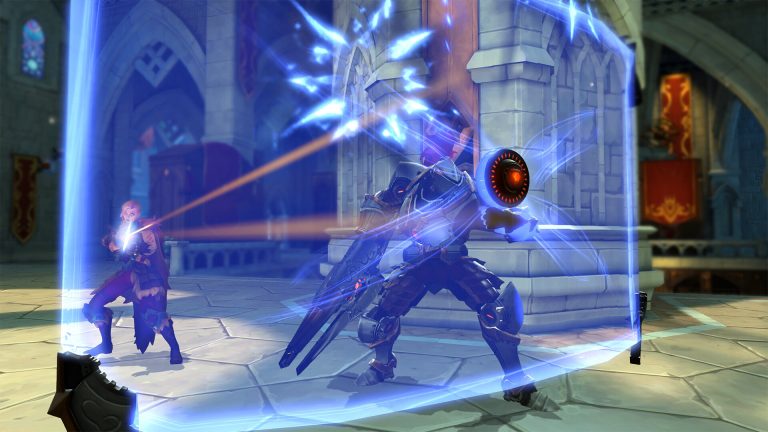
Borderlands 4 screenshot
Last checked:
Borderlands 4 needs at least a Ryzen 7 2700X or Core i7-9700, 16 GB of RAM, an RTX 2070 or RX 5700 XT with 8 GB of VRAM, and 100 GB of SSD space on 64-bit Windows 10. The recommended tier jumps to a Ryzen 7 5800X or Core i7-12700, 32 GB of RAM and an RTX 3080 or RX 6800 XT. Those are the figures 2K published in August 2025 and the ones the Steam listing still shows as of October 2026.
Borderlands 4 PC requirements table
| Component | Minimum | Recommended |
|---|---|---|
| OS | Windows 10 (64-bit) | Windows 10 or 11 (64-bit) |
| CPU | AMD Ryzen 7 2700X / Intel Core i7-9700 | AMD Ryzen 7 5800X / Intel Core i7-12700 |
| RAM | 16 GB | 32 GB |
| GPU | AMD Radeon RX 5700 XT / NVIDIA GeForce RTX 2070 | AMD Radeon RX 6800 XT / NVIDIA GeForce RTX 3080 |
| VRAM | 8 GB | 12 GB |
| Storage | 100 GB, SSD required | 100 GB, SSD required |
| Target (per 2K) | 1080p, Low preset, with upscaling | 1440p, Medium to High preset, with upscaling |
Figures as published by 2K and Gearbox, checked against the Steam store page in October 2026.
Two things stand out before you read any further. First, the SSD is not a suggestion. Borderlands 4 runs on Unreal Engine 5 and streams a lot of world data, and a mechanical drive will produce hitching no settings menu can fix. Second, the targets on both tiers assume you have upscaling turned on. If you want native resolution, treat the recommended row as your real minimum.
Borderlands 4 CPU requirements
The CPU floor is higher than most people expect for a looter shooter. A Ryzen 7 2700X is an eight-core, sixteen-thread part from 2018, and an i7-9700 is an eight-core chip from the same era. Both sit well above the quad-core minimums Borderlands 3 asked for back in 2019.
The reason is Unreal Engine 5. The engine does a lot of work on the CPU: streaming the open zones of Kairos, simulating the enemy density Gearbox has pushed in this entry, and compiling shaders in the background during your first hours. Older quad-core chips, and even some six-core parts without simultaneous multithreading, will bottleneck well before the GPU does.
The recommended Ryzen 7 5800X and Core i7-12700 are not exotic. The 5800X is an AM4 chip you can still buy, and the 12700 is a 2021 Intel part. If you have anything from the Ryzen 5000 series upward, or a 12th-gen Core i5 or better, the CPU will not be your limiting factor at 1440p. At 1080p with a strong GPU, a faster CPU matters more, because the game becomes CPU-bound as resolution drops.
GPU and VRAM
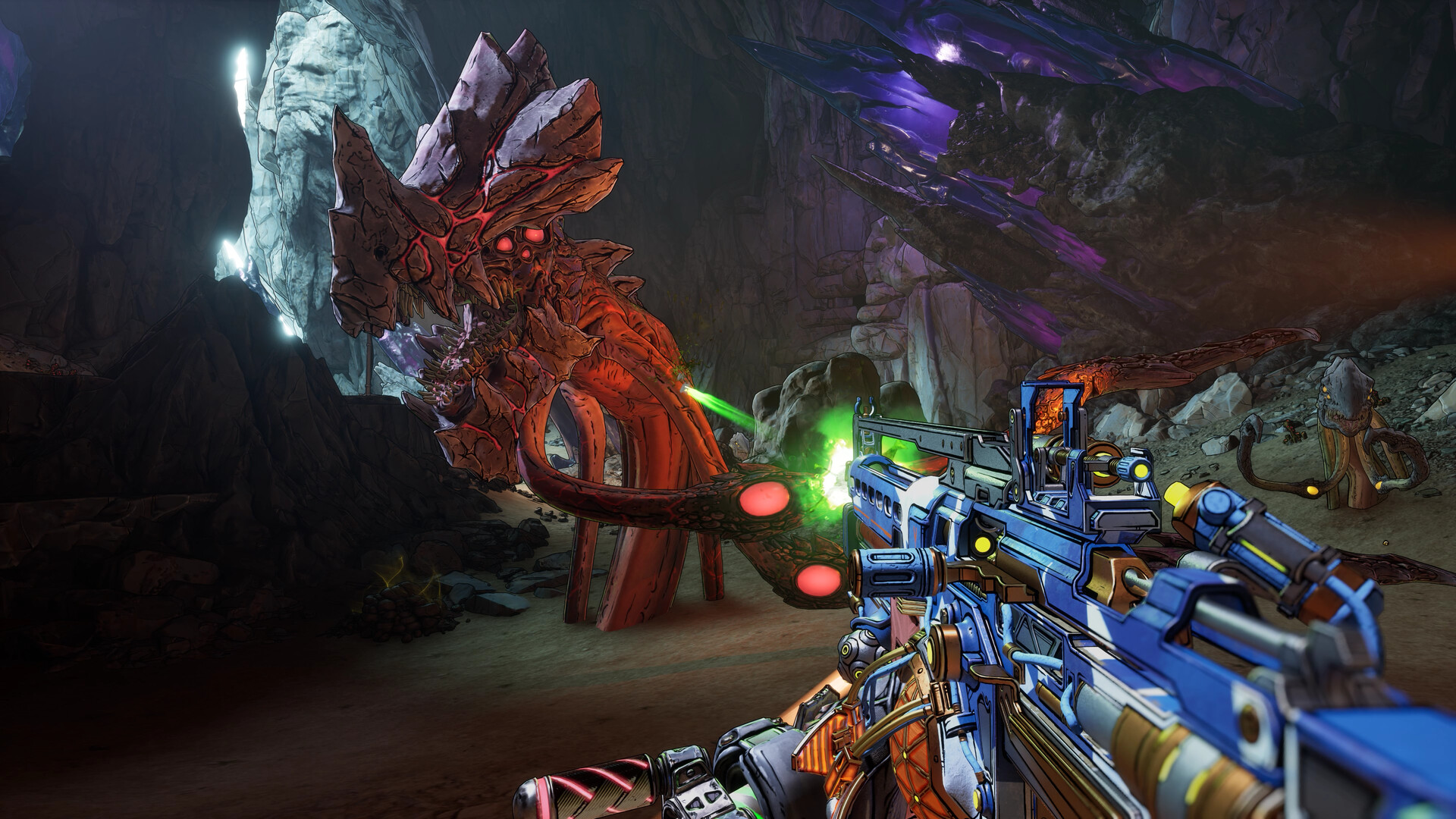
The minimum GPU pairing is an RTX 2070 or RX 5700 XT, both 8 GB cards released in 2018 and 2019. Those cards will run the game, but they will do it at 1080p on the Low preset with DLSS or FSR set to a performance mode. If you own a 6 GB card such as a GTX 1660 or RTX 2060 6 GB, you are below the listed VRAM floor and should expect texture streaming problems, not just lower frame rates.
The recommended tier, an RTX 3080 or RX 6800 XT, is where the game starts to look like the trailers. Both cards handle 1440p on Medium to High with upscaling in the Quality setting, and the 6800 XT’s 16 GB of memory gives it extra headroom for the High texture setting.
For 4K you are outside the published tiers entirely. In practice that means an RTX 4080, RTX 5080, RX 7900 XTX or better, with frame generation doing a lot of the lifting. Gearbox has not published an official 4K spec, so treat any 4K claim as community testing rather than a confirmed target.
RAM and storage
Sixteen gigabytes gets you in the door. Thirty-two is what Gearbox actually wants you to have. The gap between the two tiers is unusually wide for a shooter, and it reflects how much of the game world the engine keeps resident in memory. On a 16 GB system you should close browsers and overlays before launching, because the game plus Windows plus a few background apps will sit right at the limit.
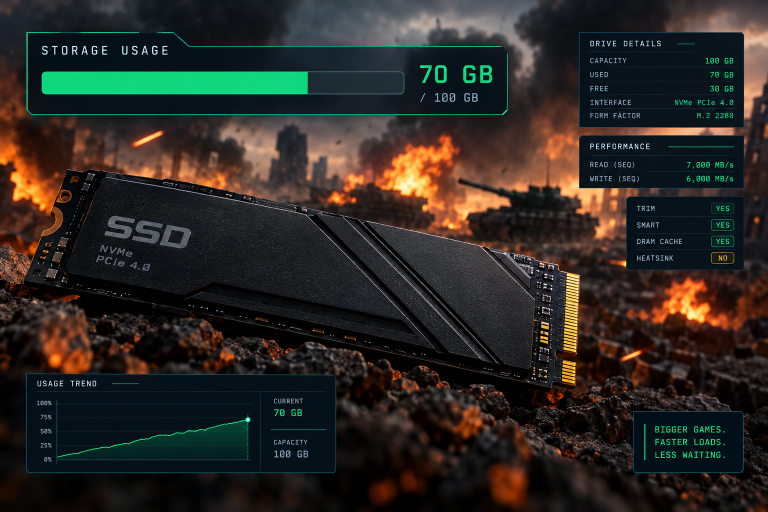
Storage is listed at 100 GB on both tiers, and the listing specifies an SSD. Your actual install will be somewhat under that figure, because the 100 GB number is a reservation that leaves room for patches and shader caches. Plan for the full amount anyway. The game has received several large updates since launch, and a drive with 95 GB free will stop you from installing the next one.
Good to know
Shader compilation on first launch can take ten minutes or more on the minimum CPU. Let it finish before you judge performance. Stuttering in the first play session usually settles down once the shader cache is built.
Upscaling and frame generation support
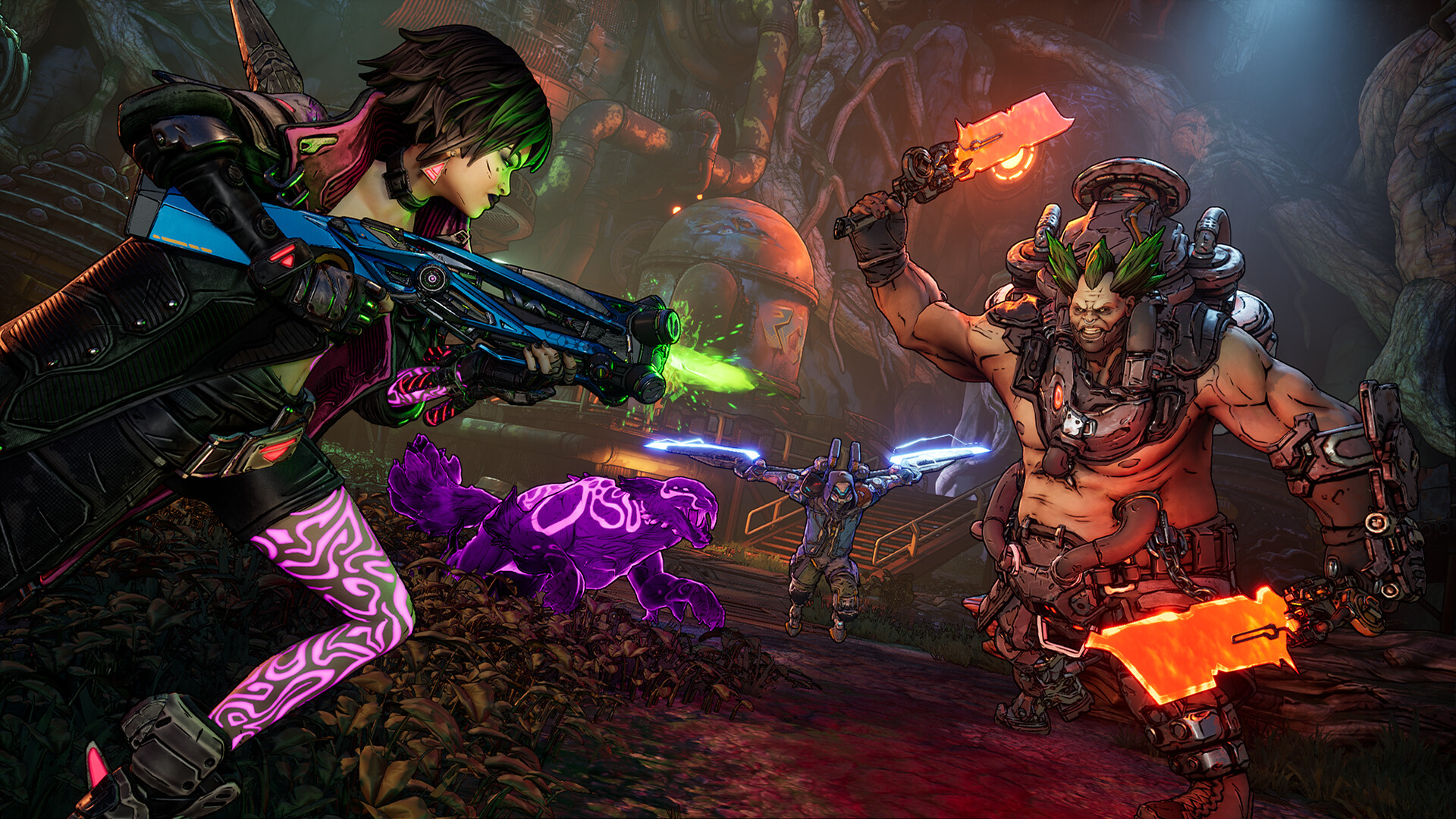
Borderlands 4 ships with NVIDIA DLSS, AMD FSR and Intel XeSS. On RTX 40 and 50 series cards you get DLSS frame generation, and RTX 50 owners can use DLSS 4 Multi Frame Generation. AMD cards get FSR frame generation, and Intel Arc cards get XeSS upscaling.
This matters because the published targets assume upscaling is on. Gearbox built the performance budget around it. If you run native 1440p on an RTX 3080, expect a frame rate noticeably below the 60 fps the recommended tier implies. Set DLSS or FSR to Quality and the gap closes.
Frame generation is a separate decision. It roughly doubles the displayed frame rate, but it adds input latency and works best when your base frame rate is already above 50 fps or so. On a minimum-spec machine it is not a fix for a 30 fps baseline. On a recommended-spec machine it is what gets you from 60 to 100-plus at 1440p.
The launch performance problem, and where things stand
You will see a lot of forum posts about Borderlands 4 running badly on PC. Most of them date from September and October 2025. The game launched with heavy stuttering, high CPU load and a large gap between the published specs and real-world results, and Gearbox spent the following months shipping hotfixes and larger patches aimed at PC stability, memory use and shader handling.
Gearbox’s own guidance during that period was consistent: update to the latest GPU driver, lower Volumetric Fog first because it is the single most expensive setting, and keep upscaling enabled. That advice still holds in October 2026. Volumetric Fog and shadow quality are the two settings that move frame rate the most, and dropping both one notch is worth more than touching anything else in the menu.
The published hardware requirements have not been revised despite the patches. What changed is how close real performance sits to those targets. A recommended-tier PC that struggled at launch now lands near the 1440p figure 2K described, provided drivers are current.
Can I run Borderlands 4? How to check
How to check your PC
- Press Windows key + R, type dxdiag, and press Enter.
- On the System tab, note your processor and total memory.
- On the Display tab, note your graphics card name and display memory.
- Compare each line against the minimum column in the table above.
- Check your install drive is an SSD: open Settings, System, Storage, then Advanced storage settings, Disks and volumes.
The quick rule: if your CPU is an eight-core chip from 2018 or later and your GPU has at least 8 GB of VRAM, you clear the minimum. If your CPU is a Ryzen 5000 or 12th-gen Intel or newer and your GPU has 12 GB or more, you clear the recommended spec.
Laptop owners should be more cautious. A laptop RTX 4070 has 8 GB of VRAM, not 12, so it meets the minimum VRAM figure rather than the recommended one despite the matching name. Laptop RTX 4060 and 4050 cards sit at 8 GB and 6 GB respectively, which puts the 4050 below the floor.
Steam Deck and handheld PCs
Borderlands 4 received a Steam Deck Verified rating on Valve’s store in February 2026. Even so, the Deck’s 16 GB of shared memory and its APU sit well below the published minimum, and the SSD requirement plus the 100 GB install eat most of a 256 GB model.
Windows handhelds such as the ROG Ally X and Legion Go run the game, but at low settings with aggressive FSR scaling, and the experience is closer to 30 fps than 60. If a handheld is your main way to play, the Nintendo Switch 2 version, released in October 2025, is the one built for that form factor rather than a PC port you are forcing onto small hardware.
Where to buy, and what the PC editions include
Borderlands 4 is sold on PC through Steam and the Epic Games Store, with the same editions on both. The Standard Edition launched at $69.99 in the US. The Deluxe Edition is $99.99 and bundles the Bounty Pack Bundle, the post-launch content packs. The Super Deluxe Edition is $129.99 and adds the Vault Hunter Pack with two additional playable characters on top of everything in Deluxe. Prices as of October 2026; regional stores and sales vary, so check the listing before clicking buy.
A Gearbox SHiFT account is optional, but signing in unlocks SHiFT rewards such as Golden Keys and cosmetic drops, and it is what links your progress across platforms. Crossplay between PC, PlayStation 5 and Xbox Series X|S is on by default and can be toggled in the social settings within the game. Your Steam or Epic account handles ownership; SHiFT handles rewards and friends lists across platforms.
One licensing detail worth knowing: you need to accept 2K’s terms of service and privacy policies on first launch. There is no separate 2K account requirement to play the campaign, which is a change from some earlier 2K titles that forced a sign-up before the main menu.
FAQ
What are the Borderlands 4 minimum specs?
A Ryzen 7 2700X or Core i7-9700, 16 GB of RAM, an RTX 2070 or RX 5700 XT with 8 GB of VRAM, 100 GB of SSD space and 64-bit Windows 10. 2K pairs that tier with 1080p on Low settings with upscaling enabled.
What are the Borderlands 4 recommended specs?
A Ryzen 7 5800X or Core i7-12700, 32 GB of RAM, an RTX 3080 or RX 6800 XT, and the same 100 GB SSD. 2K pairs it with 1440p on Medium to High settings with upscaling.
Does Borderlands 4 require an SSD on PC?
Yes. The published requirements list an SSD on both tiers, not just the recommended one. On a hard drive the game stutters during world streaming regardless of your other hardware.
How much RAM does Borderlands 4 use?
The minimum is 16 GB and the recommended is 32 GB. The game runs on 16 GB, but memory pressure is one of the main causes of hitching on lower-end systems, so close other applications before you play.
Will Borderlands 4 run on a GTX 1080 or RTX 2060?
A GTX 1080 has 8 GB of VRAM and roughly RTX 2070-class performance, so it sits at the edge of the minimum, but it lacks DLSS and must rely on FSR. The 6 GB RTX 2060 falls below the 8 GB VRAM floor; the 12 GB RTX 2060 variant meets it.
Does Borderlands 4 support DLSS and FSR?
Yes. DLSS, FSR and XeSS upscaling are all supported, along with DLSS and FSR frame generation. RTX 50 series cards get DLSS 4 Multi Frame Generation.
Is Borderlands 4 playable on Steam Deck?
It runs, and the game received Steam Deck Verified status in February 2026. Still, expect low settings, heavy upscaling and frame rates well under 60.
Has the PC performance improved since launch?
Yes. Launch performance in September 2025 fell well short of the published targets, and Gearbox shipped a series of patches through the following months addressing stuttering, memory use and shader compilation. The hardware requirements themselves have not changed.
About the Author